For teams and enterprise
One picture of every repository, for the whole engineering org.
Review every pull request the same way, see where risk sits across repositories, and govern the code your agents write. Hosted on Teams, or run inside your own network.
Review
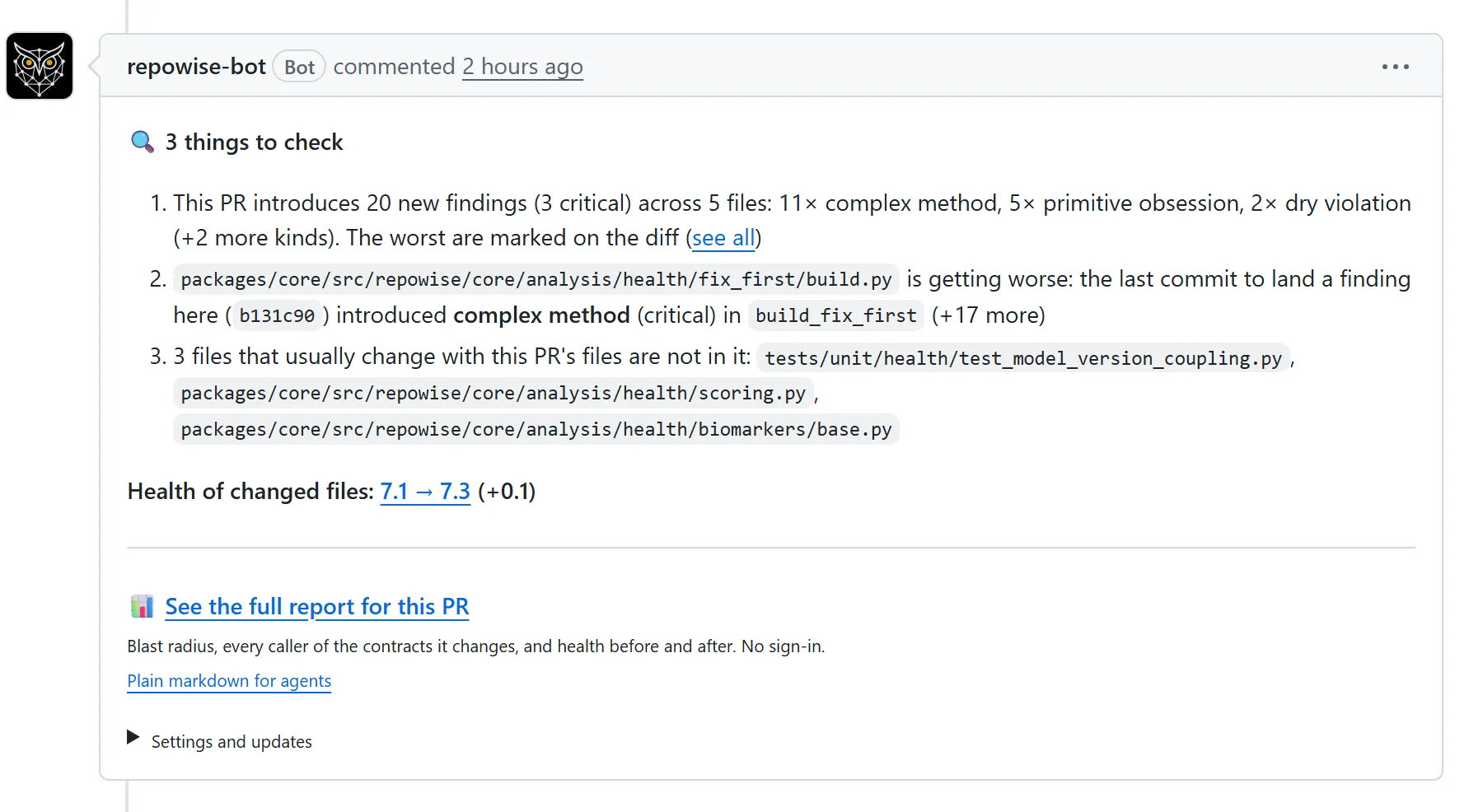
Every pull request reviewed the same way.
One comment per pull request: what the change can break, files that usually change together, owners and the health change. Signals mode makes no model call; AI review draws from the team credit pool.
- Optional merge gate: a check run, advisory or blocking
- CI gates for patch coverage, doc drift, new secrets and unusual change risk, on GitHub Actions or GitLab
Across repositories
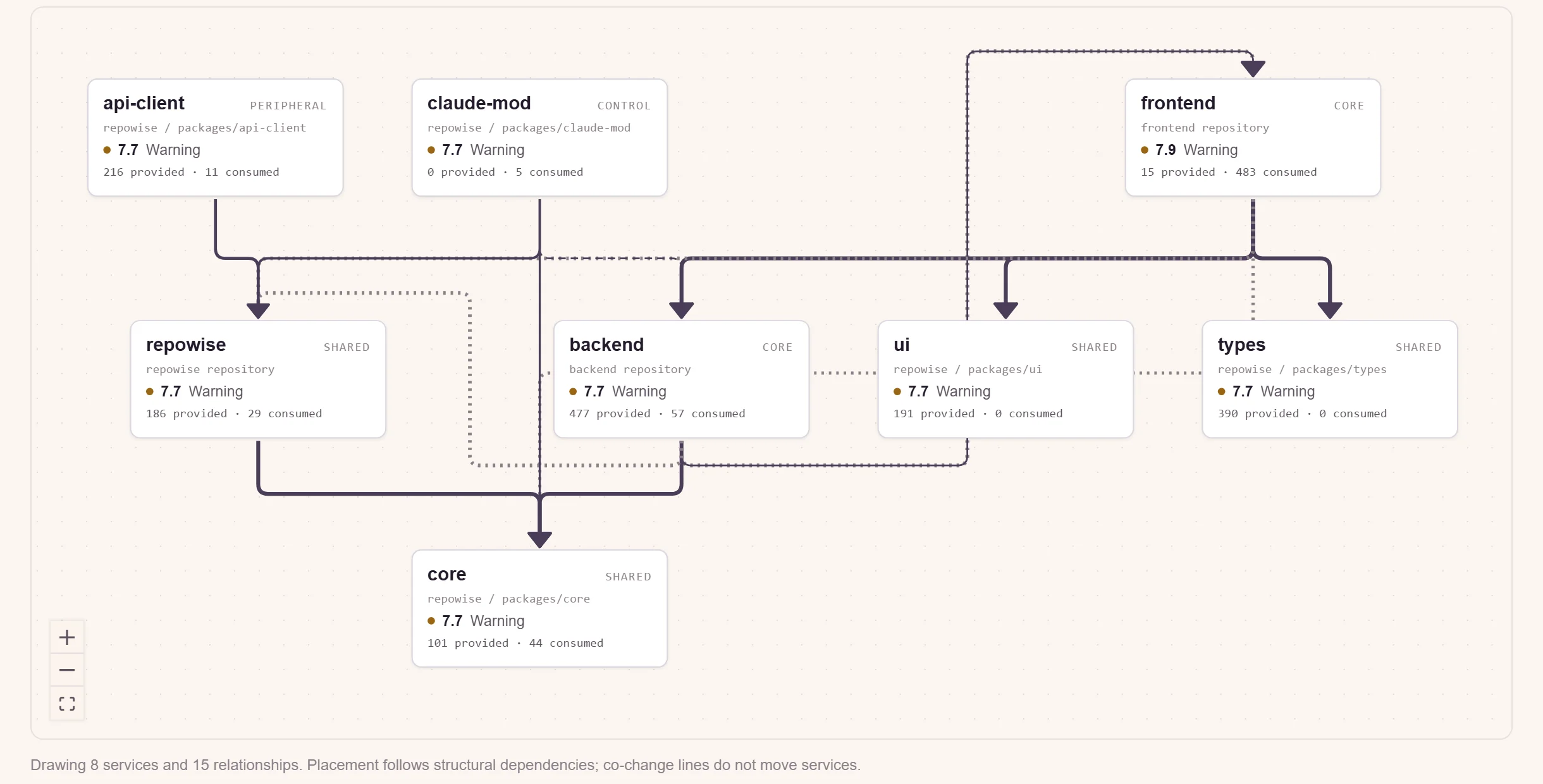
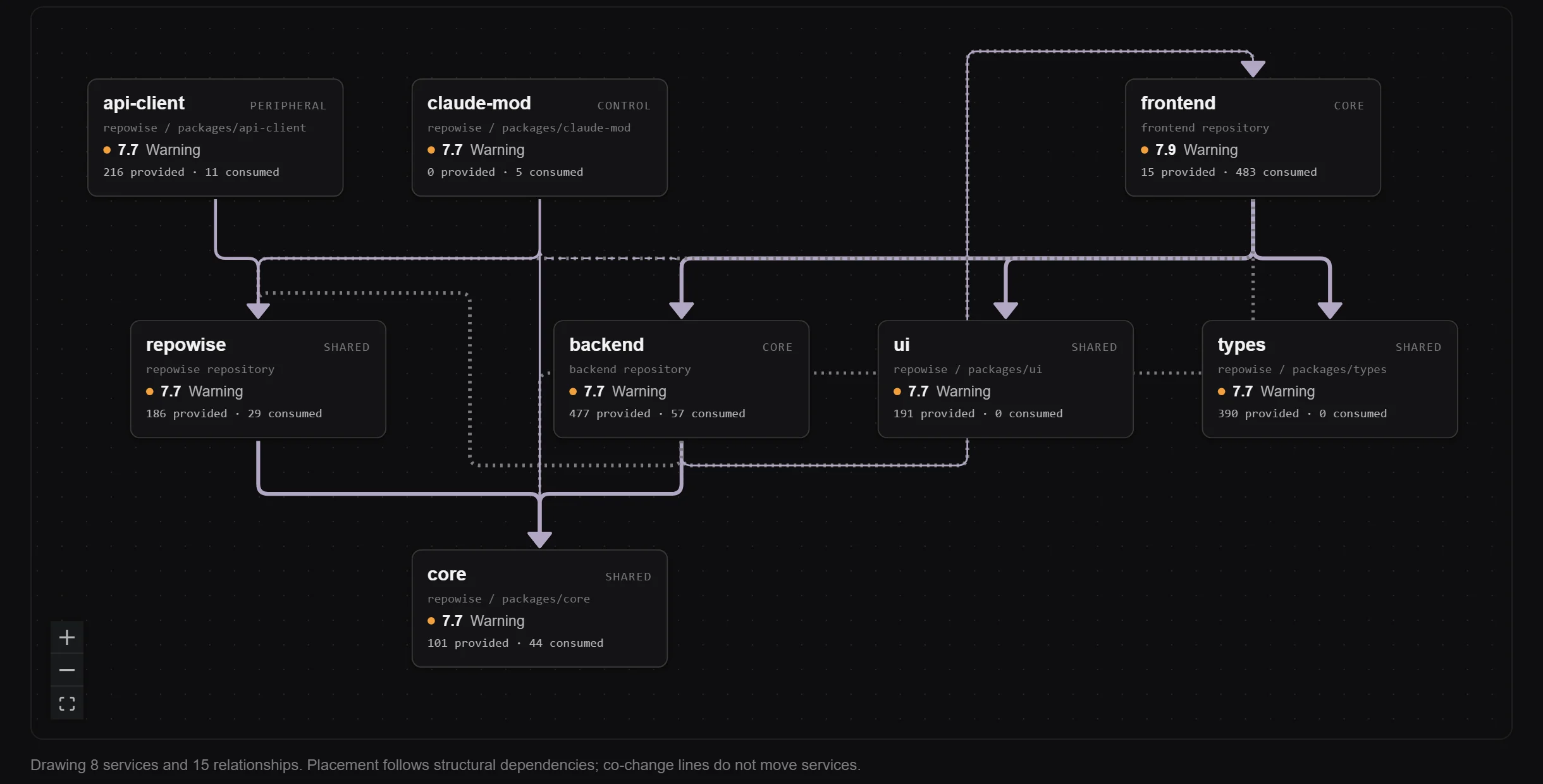
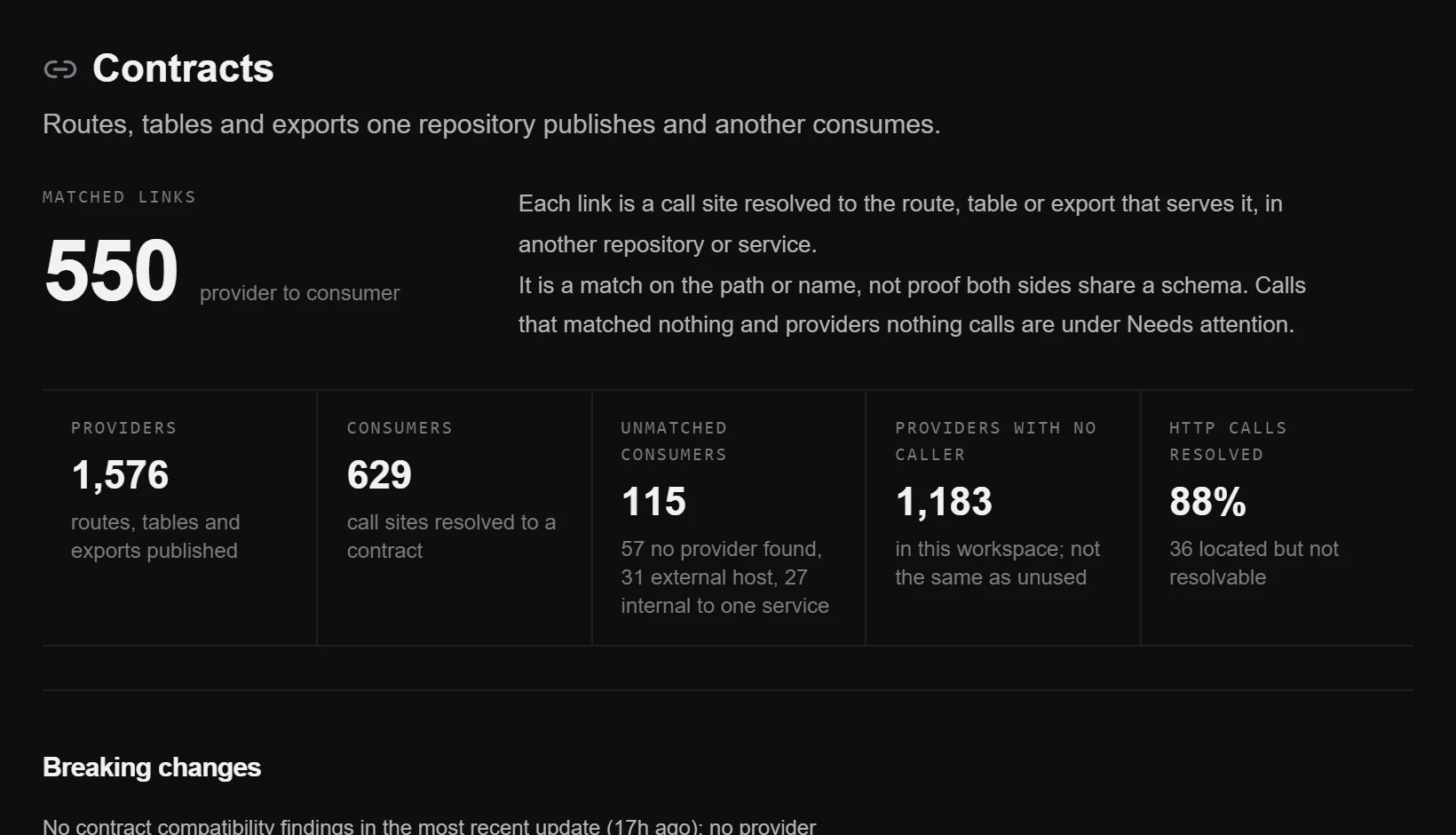
See how your repositories depend on each other.
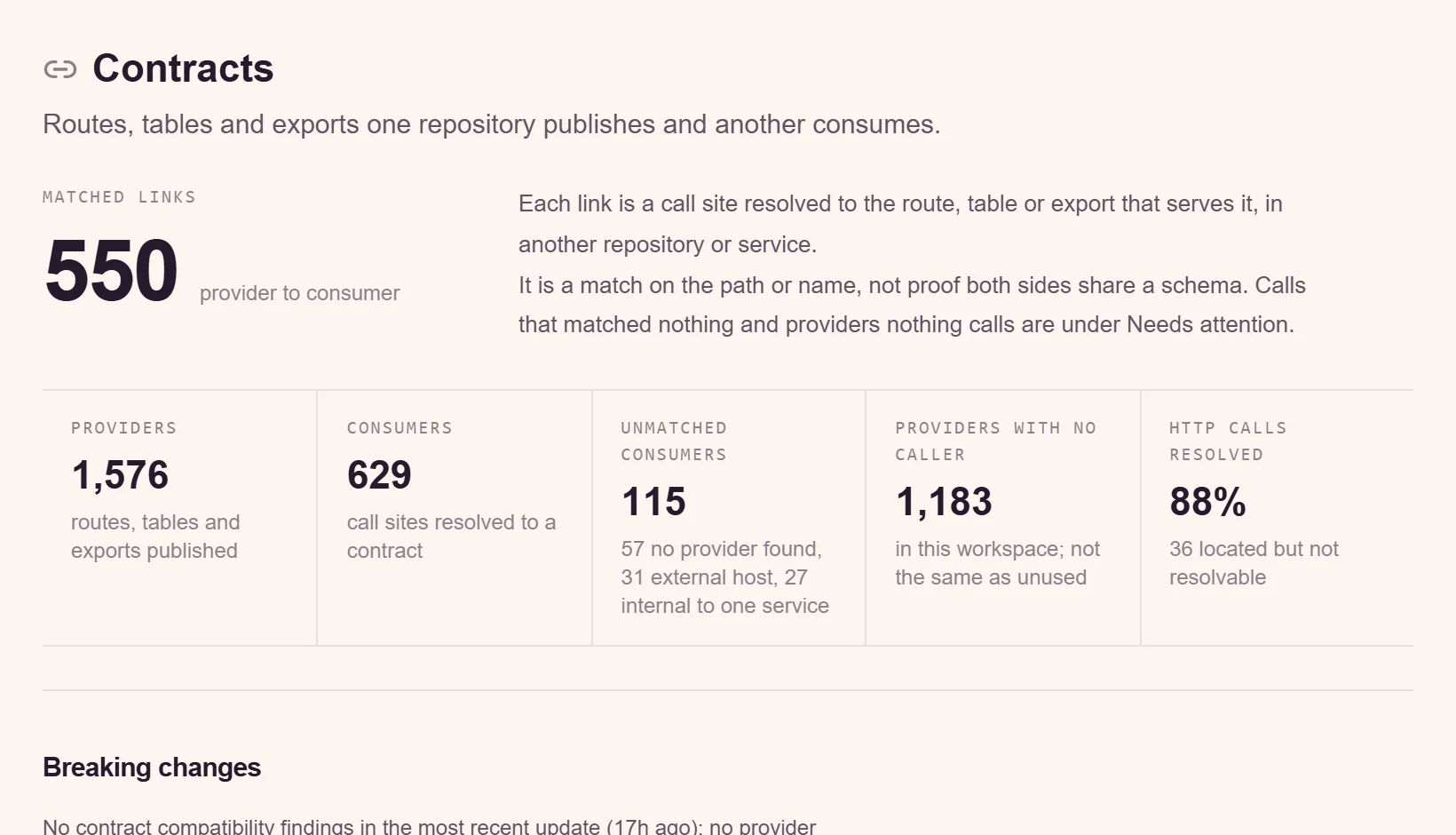
A workspace finds the HTTP, gRPC and topic contracts between repositories, the files that change together across them, and how far a change reaches beyond its own repo.
- Workspace chat and a workspace MCP endpoint
- Team-owned workspaces on Teams
Portfolio
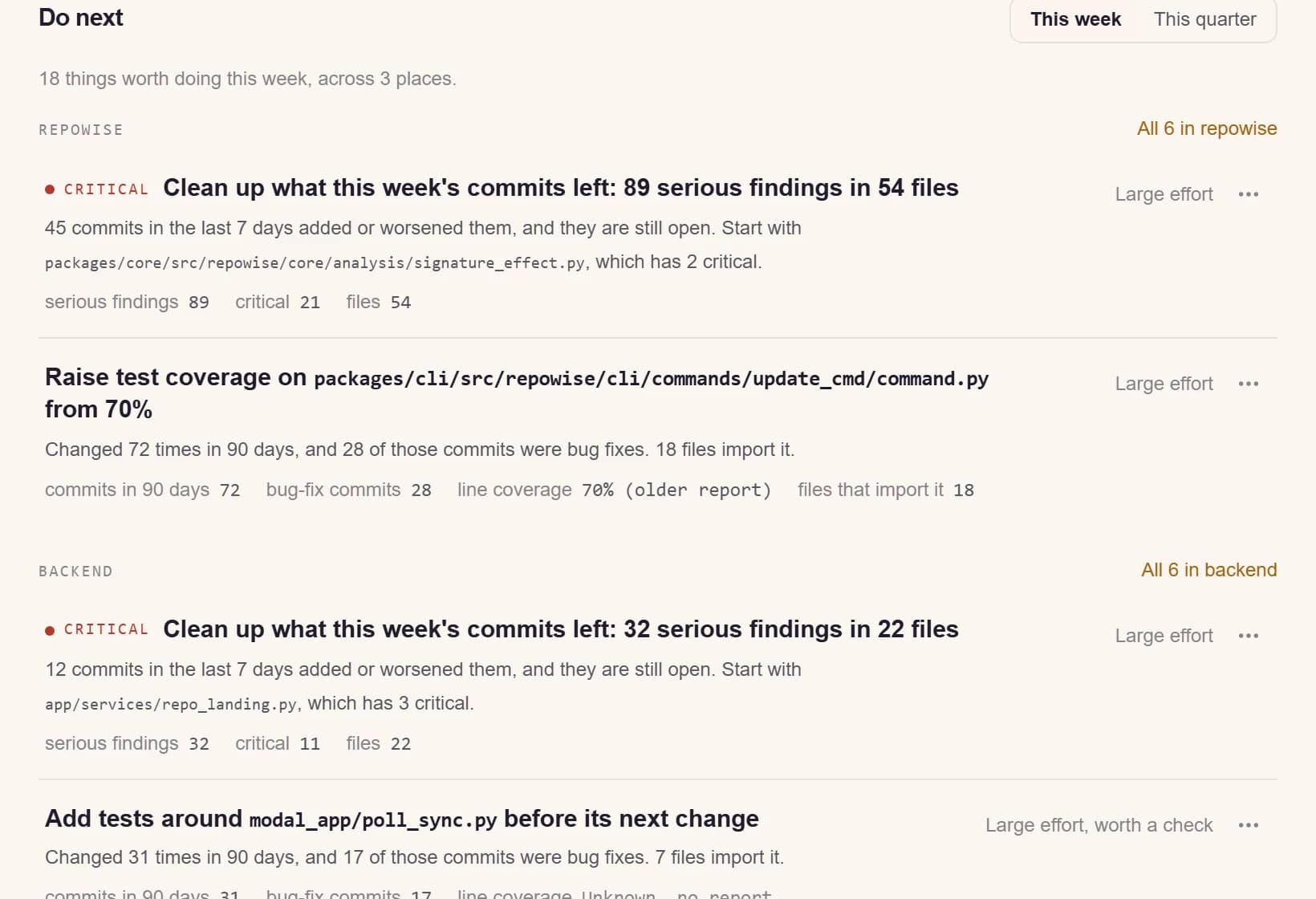
Know where risk sits before it ships.
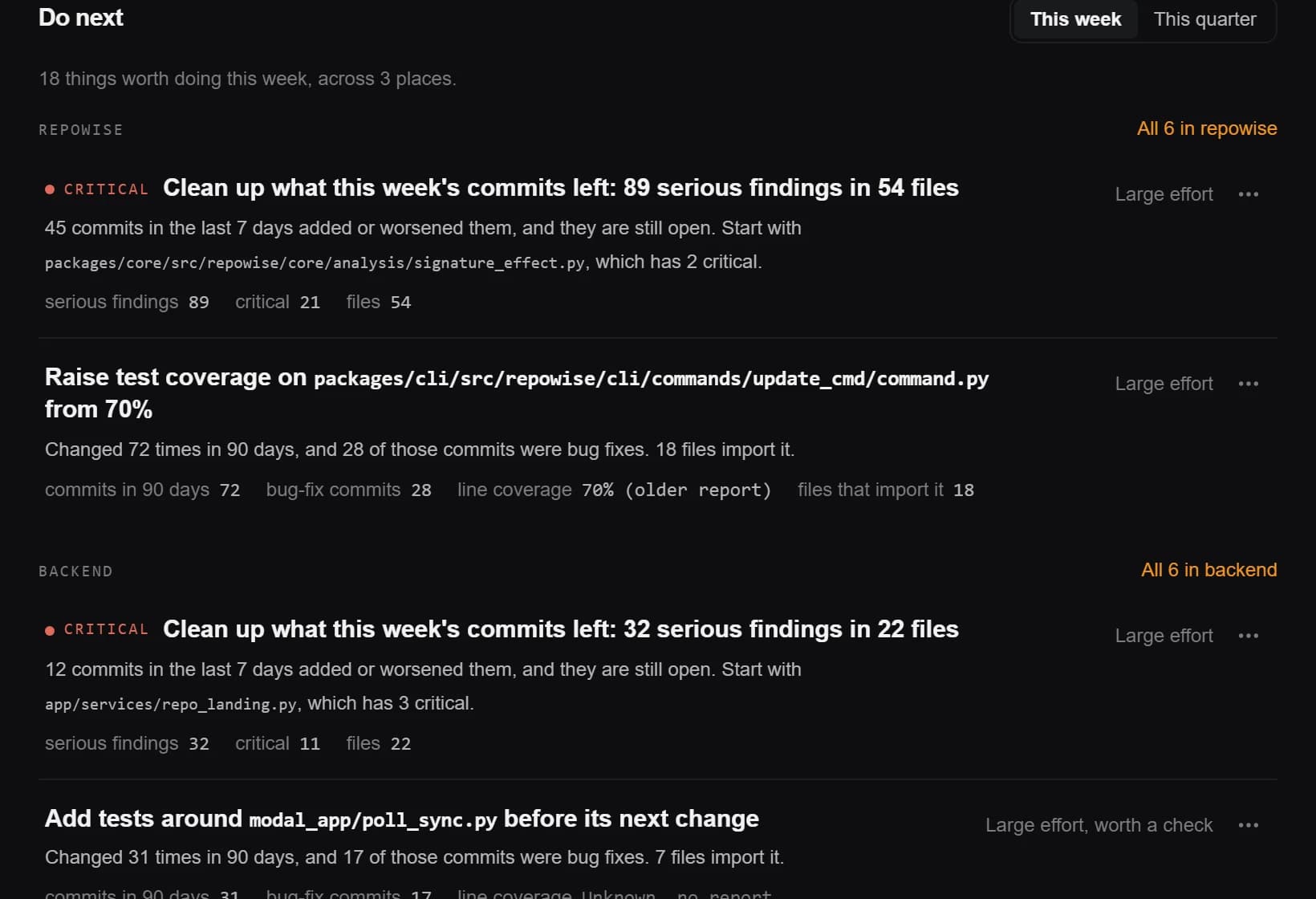
One list of what to fix this week across every repository, ranked by health, churn and bug-fix history. Nightly signals send hotspot drift, bus-factor risk and health decline to Slack or a signed webhook.
Governance
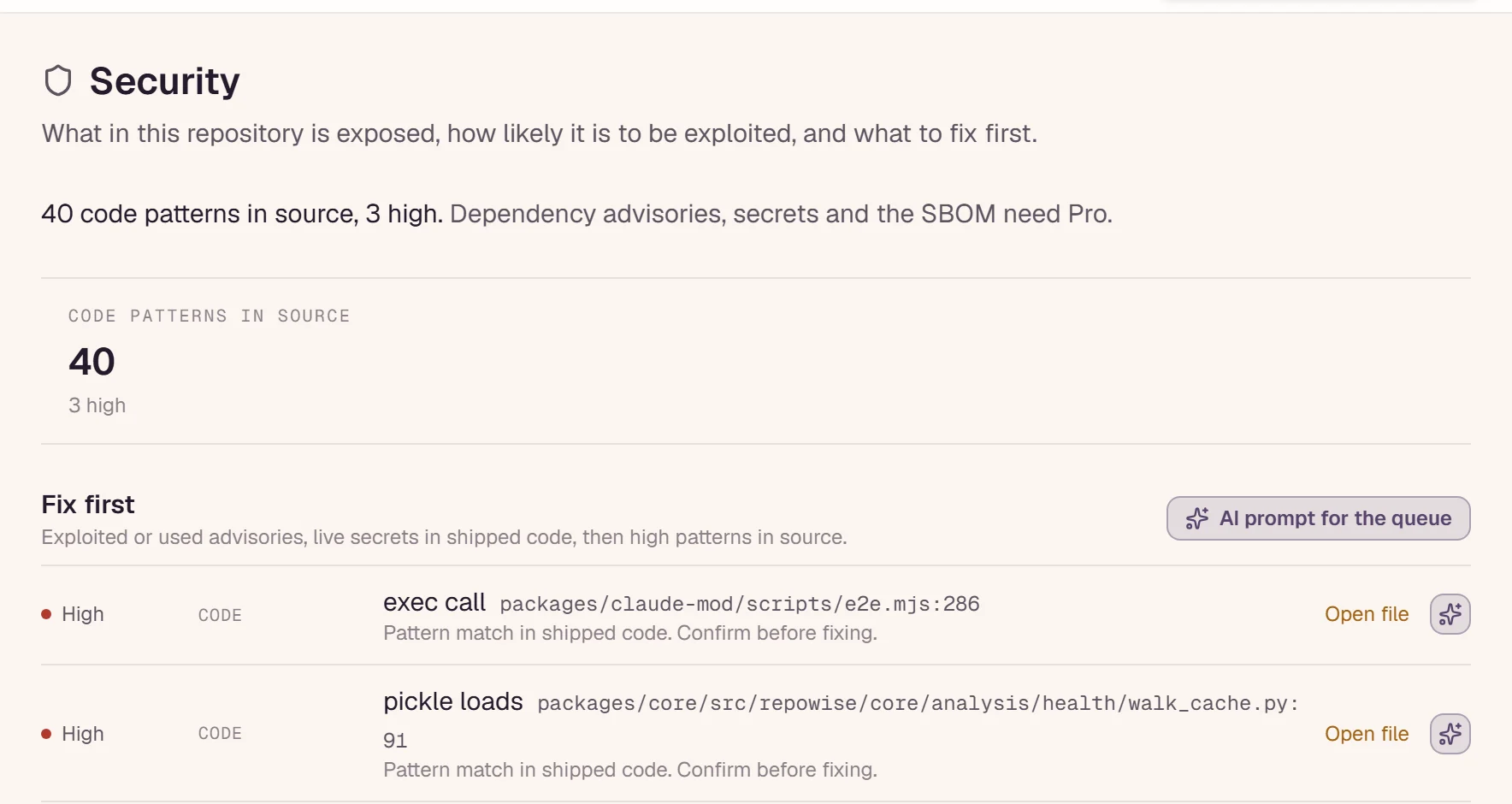
Govern the code your agents write.
See which commits coding agents wrote, from git history alone, next to health and ownership. Security triage ranks CVEs by whether your code imports the vulnerable package, and scans secrets across the whole history.
- CycloneDX SBOM and VEX export
- PCI-DSS and SOC 2 control-coverage reports on Teams: evidence maps, not audits
- Insert-only audit trail for security data, including agent reads over MCP
Team MCP
One context for every agent on the team.
Every member's agent connects to the same index with a personal key: one URL per repository, one per workspace. Reviewers, developers and agents read the same snapshot, indexed once.
# one repository
https://api.repowise.dev/mcp/{owner}/{repo}

# one workspace, across its member repositories
https://api.repowise.dev/mcp/w/{workspace_id}

Authorization: Bearer YOUR_API_KEYIntegrations
It fits the tools you already run.
One org install of the GitHub App covers every member. Alerts go to Slack or your own endpoint.
- PR botFree
A comment on every pull request with blast radius, owners and risky files.
- Coding agents (MCP)Free
Claude Code, Cursor, Codex and claude.ai ask your index directly.
- GitHub AppPro
Index private repos and keep them in sync on every push.
- Coverage reportsFree
Upload test coverage so tested code counts as measured, not inferred, on the repo and on each pull request.
- JiraTeams
See the ticket behind each decision, in the app and in your agent.
- ConfluenceTeams
Publish your documentation to a Confluence space every week.
- Alert webhooksTeams
New CVEs, live secrets and health drops, sent to Slack or any endpoint.
Deployment
Run it where your code lives.
Hosted, each index runs in a short-lived container and the clone is deleted after the run. Self-hosted, the analysis makes no model call and sends no code anywhere.
Customer-managed deployment
Run Repowise in your own cloud or on-premise. We scope the setup with your team and support it after go-live.
Managed hosted service
The same engine on Free, Pro, and Teams, with managed indexing, storage, billing, and GitHub integration.
Open-source self-hosting
The AGPL-3.0 core runs on infrastructure you control. The index and MCP server work without the hosted app.
FREQUENTLY ASKED
Questions, answered
How is Teams priced?
Per seat with a 3-seat minimum: $20 per seat per month, or $16 billed yearly. Each seat adds $5 a month to one shared credit pool, and the team shares 25 repositories.
What is the difference between Pro and Teams?
Pro is one person with 5 repositories and a personal balance. Teams indexes each repository once for every member and adds owner, admin and member roles, one org GitHub App install, portfolio views, team workspaces and alert webhooks.
Can we run it inside our network?
Yes. The open-source engine runs on your machines under AGPL-3.0. A customer-managed deployment under a commercial licence runs as containers in your cloud or on premises, scoped and supported with your team.
Does the analysis send code to a model?
No. The graph, git history, code health, dead code and security scanning make no model call. Written documentation and chat use a model: on hosted repowise through our provider accounts, self-hosted through the provider and key you configure.
Do you support SSO and SCIM?
As part of an enterprise agreement. Tell us your identity provider and directory, and we scope SAML or OIDC single sign-on and SCIM provisioning into your rollout.
Put the team on one index.
Teams starts at 3 seats. For a deployment in your network, book a call.