On this page
To give a coding agent context across multiple repositories, pick by the question it needs answered. Claude Code's --add-dir or a Cursor multi-root window puts files in front of the agent. Sourcegraph and Augment Context Engine add search over many repos through MCP. repowise workspaces add which service calls which, over what contract, and what breaks next door.
| Tool | How it gives multi-repo context | Agent access | Where it runs | Scope |
|---|---|---|---|---|
Claude Code --add-dir | Extra working directories the agent can read and edit | Built in | Your machine | No index, no graph |
| Cursor multi-root | Several folders in one window | Built in | Your machine | Forum reports of indexing only the first folder |
| Sourcegraph | Code search and navigation across all repos on an instance | MCP server, Enterprise plans | Your Sourcegraph instance | Does not match service contracts |
| Augment Context Engine | Semantic index of the repos you pick at GitHub App install | MCP, remote and local servers | Augment's remote server, or local | Remote index follows default branches only |
| Greptile | Repository graph used for pull request review | PR comments, agent hand-off buttons | Cloud or self-hosted | Docs do not describe a multi-repo index |
| repowise workspaces | Per-repo indexes plus matched cross-repo contracts, co-change and blast radius | 10 MCP tools plus list_repos | Your machine or your server | Contracts, co-change and blast radius across repos |
Scroll the table sideways to see every column.
Facts about other tools are from each vendor's own docs, read in November 2026; sources are linked in each section.
We build repowise, so weigh our entry accordingly. The measurements we publish about it, with their methods, are on the benchmarks page.
How we evaluated
We compared tools on four things an agent and its owner feel:
- What the agent can see. Raw files, search results, or a model of how the repos connect.
- How fresh it is. Live working tree, default branches only, or the last index run.
- Where the data sits. Your laptop, your servers, or a vendor's cloud.
- Whether it answers change questions. "What breaks in the other repo" is a different job from "find this function".
Why one repo of context is not enough
A service split across repositories hides its real dependencies from an agent that sees one of them. The frontend repo contains a fetch("/api/orders") call. The route that serves it lives in another repo, and so does the schema it returns. An agent editing the frontend can read the call and has no way to read the contract unless something shows it.
Search tools find the route if you know its name. A graph that links the two repos tells the agent the route exists before it has to guess. For the underlying methods, see cross-repo and cross-language dependency graph tools.
Claude Code and Cursor: add more folders
The lowest-effort option is to open more of your repositories in the agent you already use. In Claude Code, --add-dir adds working directories for the agent to read and edit. Its CLI reference says it grants file access and that Claude Code does not discover most .claude/ configuration from those directories (Claude Code CLI reference, November 2026).
claude --add-dir ../billing-service --add-dir ../shared-types
Cursor opens several folders in one multi-root window. We could not reach Cursor's own docs page for this, so we rely on its forum, where a thread reports codebase indexing reading only the first folder of a multi-root workspace (forum.cursor.com). Check the current behavior in your version, and open the parent folder if cross-folder search misbehaves.
Pick these if you work on two or three repos and the agent can grep its way through. They cost nothing. They do not scale to dozens of services, because the agent pays tokens to rediscover the same structure each session.
Sourcegraph: search and navigation over every repo
Sourcegraph gives agents multi-repo search through its MCP server, on Enterprise plans. The server runs on your own Sourcegraph instance at /.api/mcp. It exposes keyword_search, nls_search, read_file, list_repos, go_to_definition, find_references, commit_search, diff_search and agentic tools such as deepsearch. Admins can disable individual tools and restrict access with the MCP#ACCESS permission (Sourcegraph MCP docs, November 2026).
It is the strongest choice when the question is "where is this used across 800 repos". Precise definitions and references across repositories are what it was built for. It indexes code, and it does not read two services' HTTP routes and match them to each other. Alternatives and pricing are in Sourcegraph alternatives 2026.
Pick Sourcegraph if you already run it, your estate is large, and agents mostly need to find things.
Augment Context Engine: a hosted index over the repos you choose
Augment Context Engine serves semantic code search, cross-repo relationships and commit history to any MCP agent. Its docs list quickstarts for Claude Code, Codex, Cursor, Zed, GitHub Copilot, OpenCode, Kiro and Gemini CLI. The remote server indexes the default branches of the repos selected when you install the GitHub App, and Augment recommends it for cross-repo context. The local server indexes the working directory (Augment docs, November 2026).
Queries are billed on tokens at the model provider's list price plus a 40% service fee, which the docs put at roughly $0.03 to $0.06 per query. Costs scale with agent usage, and the remote index only sees default branches, so an agent working on a feature branch gets main's view of the other repos.
Pick Augment if your code is on GitHub, you accept a hosted index, and you want retrieval with no setup beyond an install.
Greptile: review-time context
Greptile builds a graph of your repository to review pull requests with context. Its introduction page describes PR comments with proposed fixes and a "Fix with your Agent" button, and lists cloud or self-hosted deployment (Greptile docs, November 2026). The page does not describe indexing several repositories together or an MCP server, so we include it for the review moment and not as a context provider for agents writing code.
Pick Greptile if the job is pull request review and you want it self-hostable.
repowise workspaces: a graph the agent can ask
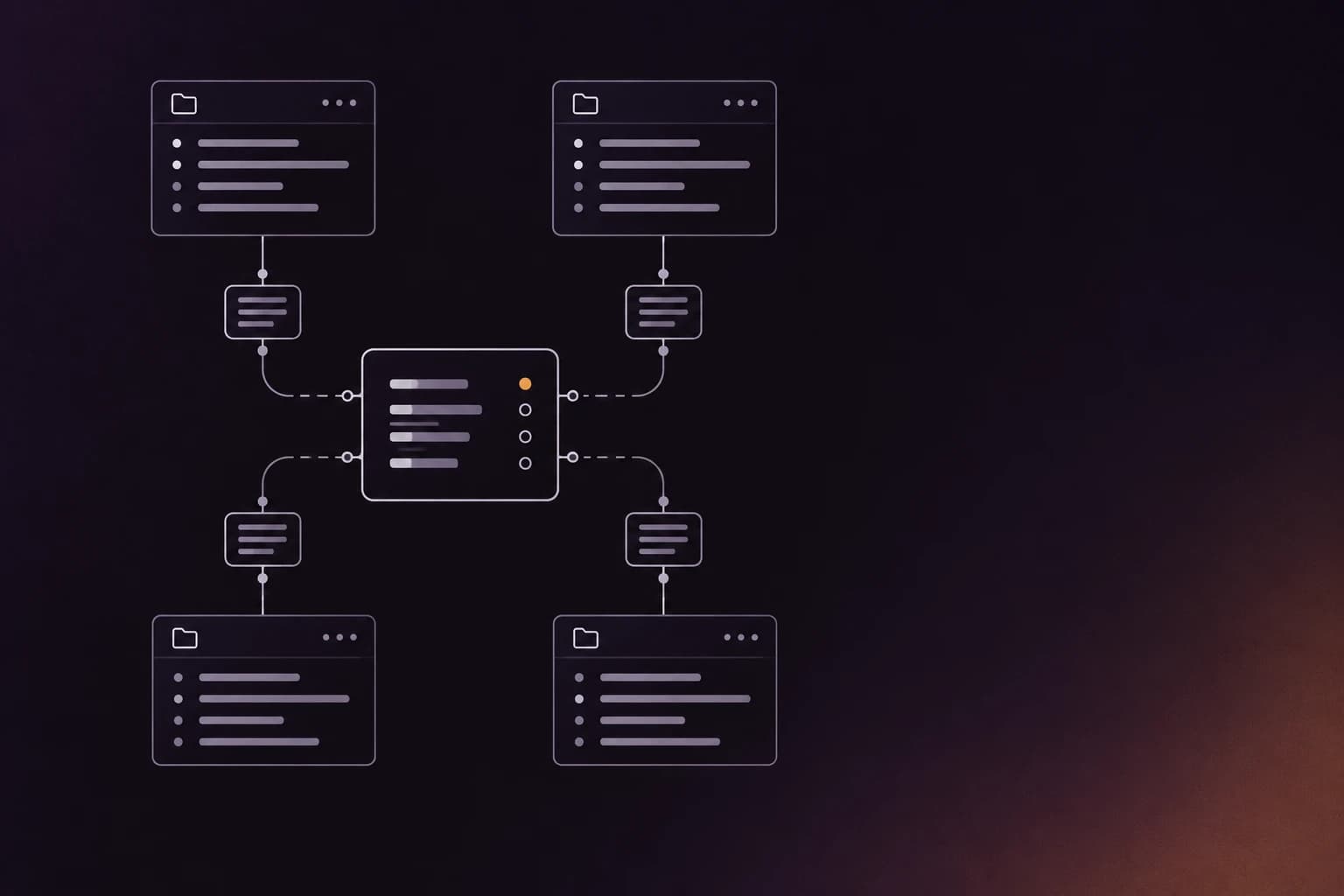
A repowise workspace indexes each repository and then analyzes the links between them. Run repowise init . in a parent folder and it finds the git repos inside, indexes each one, then matches HTTP, gRPC, topic and OpenAPI contracts between providers and consumers, and records files that change together across repos. It adds a breaking-change guard, cross-repo blast radius and architecture conformance checks, all computed from the code with no model call (workspace docs).
cd my-workspace          # holds backend/, frontend/, shared-libs/
repowise init .
repowise serve
Agents reach it over MCP. In a workspace the agent gets the ten repowise MCP tools plus list_repos, and --tools +name adds get_blast_radius, get_architecture and get_conformance for cross-repo impact, architecture and conformance. Setup writes agent config for Claude Code and Codex at the Full tier; Cursor, VS Code with Copilot, Copilot CLI, OpenCode and Kiro get MCP config plus an instructions file; for Cline, Windsurf, Zed and Gemini CLI, repowise agents print-config <id> prints a snippet to paste.
The graph spans 28 AST-parsed languages, so a TypeScript frontend and a Java service land in one graph. It is open source under AGPL-3.0, runs on your machine or server, and a private repo never has to leave either. The hosted product adds team workspaces and a remote MCP endpoint. A walk-through of how contract matching works is in the cross-repo analysis docs.
Pick repowise if your services talk to each other across repos and the agent needs to know what a change breaks next door.
How to choose
- Two or three related repos, one developer:
--add-diror a multi-root window. Add the repowise CLI when the agent starts guessing at contracts. - Microservices with HTTP, gRPC or event contracts: a repowise workspace, so the agent sees the link before it edits one side.
- Hundreds of repos, search-heavy questions: Sourcegraph, with its MCP server on Enterprise plans.
- GitHub-only org that wants a hosted index and will pay per query: Augment Context Engine.
- Code that must stay on your own servers: Sourcegraph self-hosted or repowise on your infrastructure; check each against your security review.
- Mixed need: use two. A search index for "find", a graph for "what breaks". For protocol-level context in agents, see Claude Code context on large codebases.
FAQ
- How do I give Claude Code access to multiple repositories?
- Start Claude Code with
--add-dir <path>for each extra repo, which grants read and edit access to those directories. For structure and contracts between the repos, add an MCP server such as a repowise workspace. - Does Cursor support multiple repositories?
- Cursor can open several folders in one multi-root window, but a forum thread reports indexing reading only the first folder. Opening a parent folder that contains the repos is the usual workaround.
- What is the best MCP server for multi-repo code search?
- Sourcegraph's MCP server is the strongest for search and navigation across a large estate, and it requires an Enterprise plan. Augment Context Engine is a hosted alternative for GitHub repos.
- Can an AI agent understand how my microservices call each other?
- Only if something has linked them. repowise workspaces match HTTP, gRPC and topic contracts between repositories from the code and serve the result over MCP.
- Do multi-repo context tools send my code to a vendor?
- It depends on the tool. Augment's remote server indexes your repositories on its side. Sourcegraph runs on your own instance, and repowise runs locally or on your server with no model call for the analysis.
- Do I need a monorepo for an agent to see everything?
- No. A workspace indexes separate git repositories side by side, so you keep your repo boundaries.