On this page
Pick Google Code Wiki to read a public GitHub repository for free with nothing to install; pick repowise when the code is private or you want git history, code health and agent tools next to the docs. Google launched Code Wiki in public preview on November 13, 2025. repowise is an open-source engine that builds the wiki from your code graph on your own machine.
Google details are as of October 2026, from its launch announcement. repowise details are from release 0.56.
repowise vs Google Code Wiki at a glance
Code Wiki is a hosted reader for public repositories; repowise is a self-hostable index whose wiki is one of several views.
| Google Code Wiki | repowise | |
|---|---|---|
| What it is | Hosted wiki and Gemini chat at codewiki.google | Open-source codebase intelligence engine |
| Public repositories | Free in public preview | Free to index locally; free to read on repowise.dev |
| Private repositories | Gemini CLI extension announced, waitlist | Today: local CLI, self-hosted, or hosted on Pro |
| Licence | Google service | AGPL-3.0 |
| Model | Gemini | None needed for the full wiki (repowise init --no-prose); optional Anthropic, OpenAI, Gemini or local Ollama |
| Diagrams | Architecture, class and sequence diagrams | System map, dependency graph, architecture views |
| Git history | Not described | Ownership, bus factor, churn, hotspots, co-change |
| Code health and dead code | Not described | Per-file health scores, dead code by confidence tier |
| Agent access | Chat on the website; no MCP server described | Ten MCP tools on your index |
| Languages | Not listed in the announcement | 28 parsed to a full AST, 15 at the Full tier |
Scroll the table sideways to see every column.
What Google Code Wiki does well
Code Wiki removes all setup for public code. You open a repository on the site and read.
- Documentation that regenerates. In Google's words, it "scans the full codebase and regenerates the documentation after each change."
- Linked to the code. Each section links to the files, classes and functions it describes.
- Diagrams. Architecture, class and sequence diagrams are generated from the code and stay current with it.
- Chat. A Gemini-powered assistant answers questions using the current wiki as context.
For learning an open source library, that is hard to beat on effort.
Where does your code go?
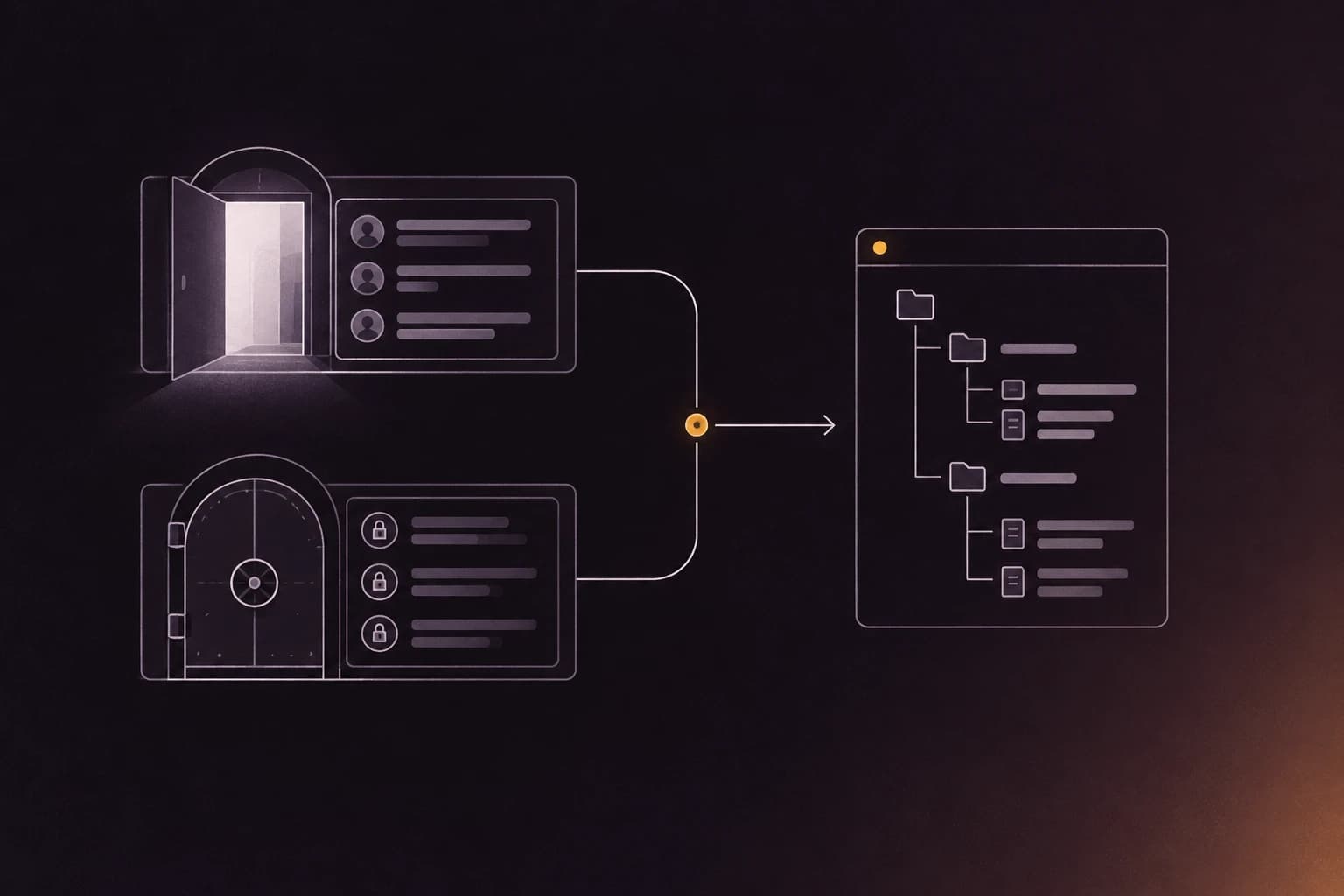
Code Wiki covers public repositories on Google's servers. For internal code, Google said it is building a Gemini CLI extension "so teams can run the same system locally and securely on internal repositories," and opened a waitlist. Check Google's page for current availability before planning around it.
repowise runs the whole pipeline on your machine or in your CI. With a local model through Ollama, or with --no-prose, no code leaves your network. Because it is AGPL-3.0, you can read how it works and host it yourself.
What repowise adds
repowise turns the repository into an index, then reads that one index in several ways.
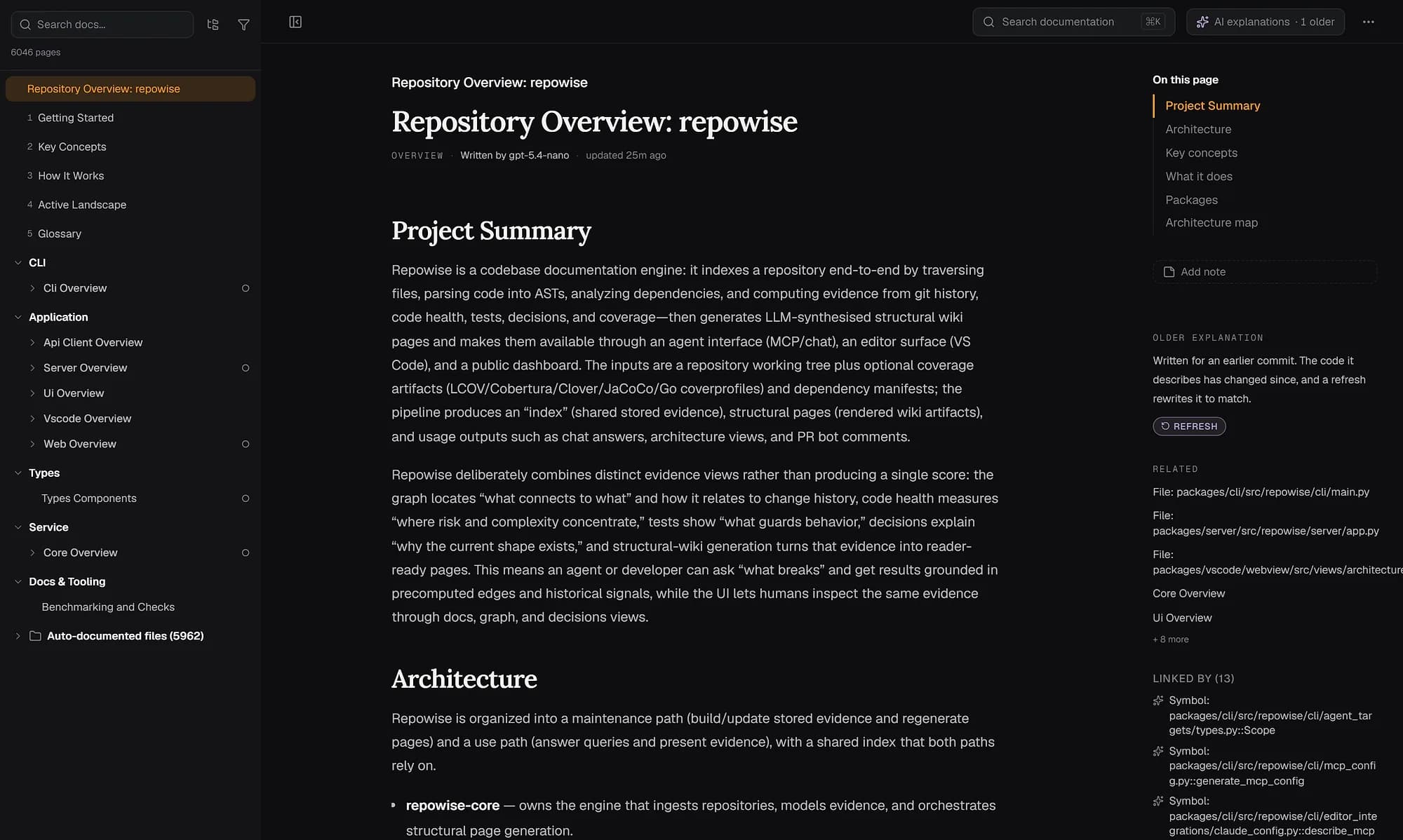
A wiki with no model required
repowise renders a page per source file, selected public symbol, subsystem, dependency cycle, infrastructure file and API surface, almost all from code structure. A repository indexed without a key gets a complete wiki. See the wiki feature and auto-generated docs for FastAPI.
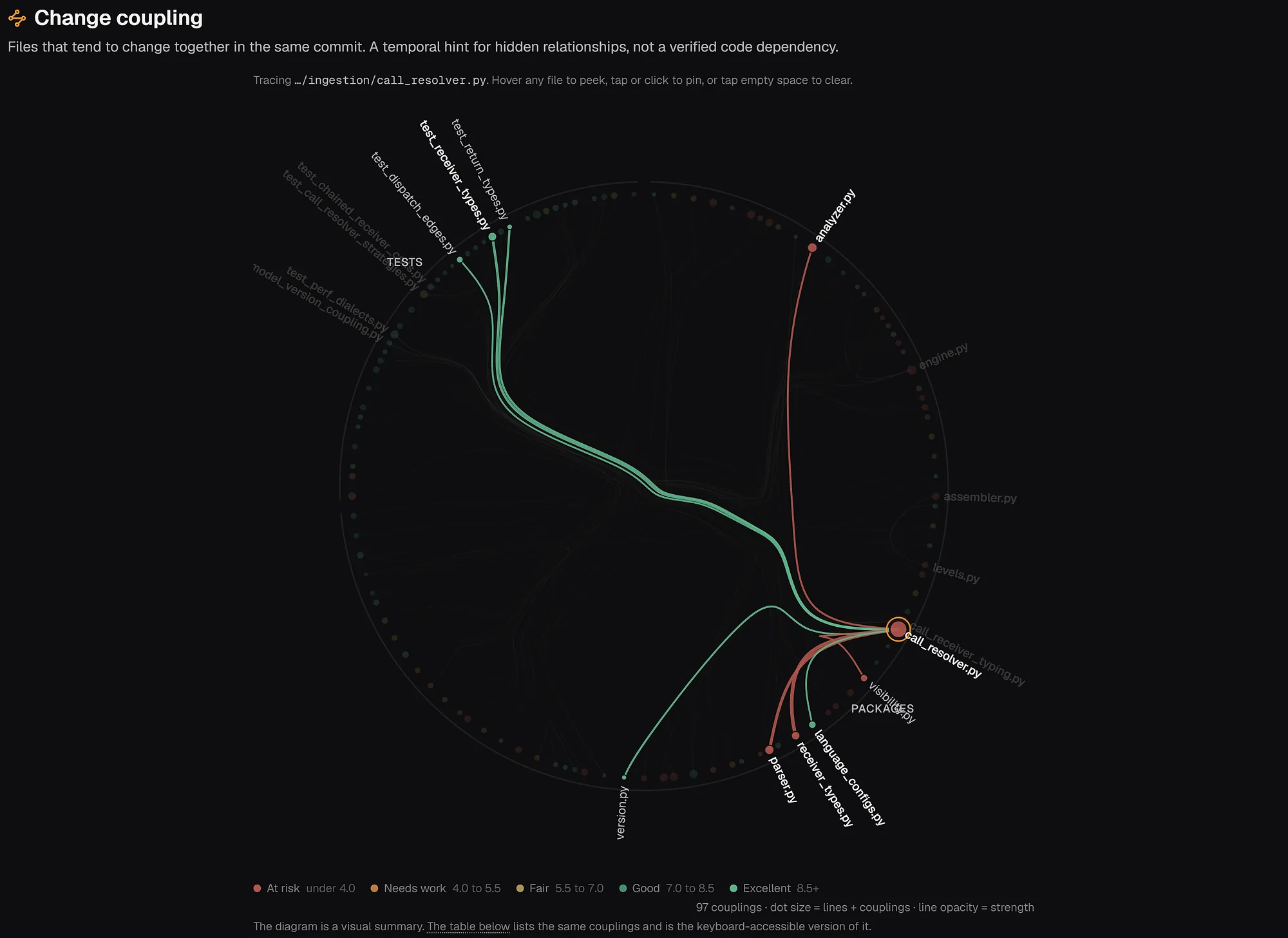
Git history
Git intelligence mines ownership, bus factor, churn, hotspots and co-change, so you see which files keep breaking and who knows them. The FastAPI code health view shows it on a real repository.
MCP tools for agents
repowise serves ten MCP tools from the local index to Claude Code, Cursor, Cline and other agents. get_answer answers how and why questions with citations, get_risk and get_change_risk score a file or a diff before merge, get_health reports code health, and get_why returns the recorded decisions behind a design.
Which one to pick
Pick Google Code Wiki if the repository is public and you want to read it, with diagrams and chat, in minutes and for free.
Pick repowise if the code is private, must stay on your infrastructure, or you want ownership, hotspots, code health and agent tools alongside the docs.
Use both if you read open source dependencies on Code Wiki and run repowise on your own repositories.
Try it on your own repo
pip install repowise
repowise init --no-prose   # free, no API key
repowise serve             # browse at localhost:3000
repowise mcp               # connect an agent
Then open a public repository on codewiki.google and compare. More tools are in the comparison hub, and the DeepWiki comparison covers the other hosted option.
FAQ
- Is Google Code Wiki free?
- The codewiki.google website is in public preview and free to read for public repositories. Google has not published pricing for the Gemini CLI extension for private repositories.
- Can Google Code Wiki document a private repository?
- Not through the website, which covers public repositories. Google announced a Gemini CLI extension for internal repositories with a waitlist. repowise runs on private repositories today, locally, self-hosted or hosted.
- Is Google Code Wiki open source?
- Google's announcement describes a hosted service and does not mention a source release. repowise is open source under AGPL-3.0.
- Does Google Code Wiki have an MCP server?
- Google's announcement does not mention one. repowise serves ten MCP tools that coding agents call directly.
- Can repowise run without an LLM API key?
- Yes.
repowise init --no-prosebuilds a complete structural wiki with no key and no spend, and you can add model prose later withrepowise generate. - Is repowise a replacement for code search like Sourcegraph?
- No, it complements it. Search finds strings; repowise explains structure, risk and history.