On this page
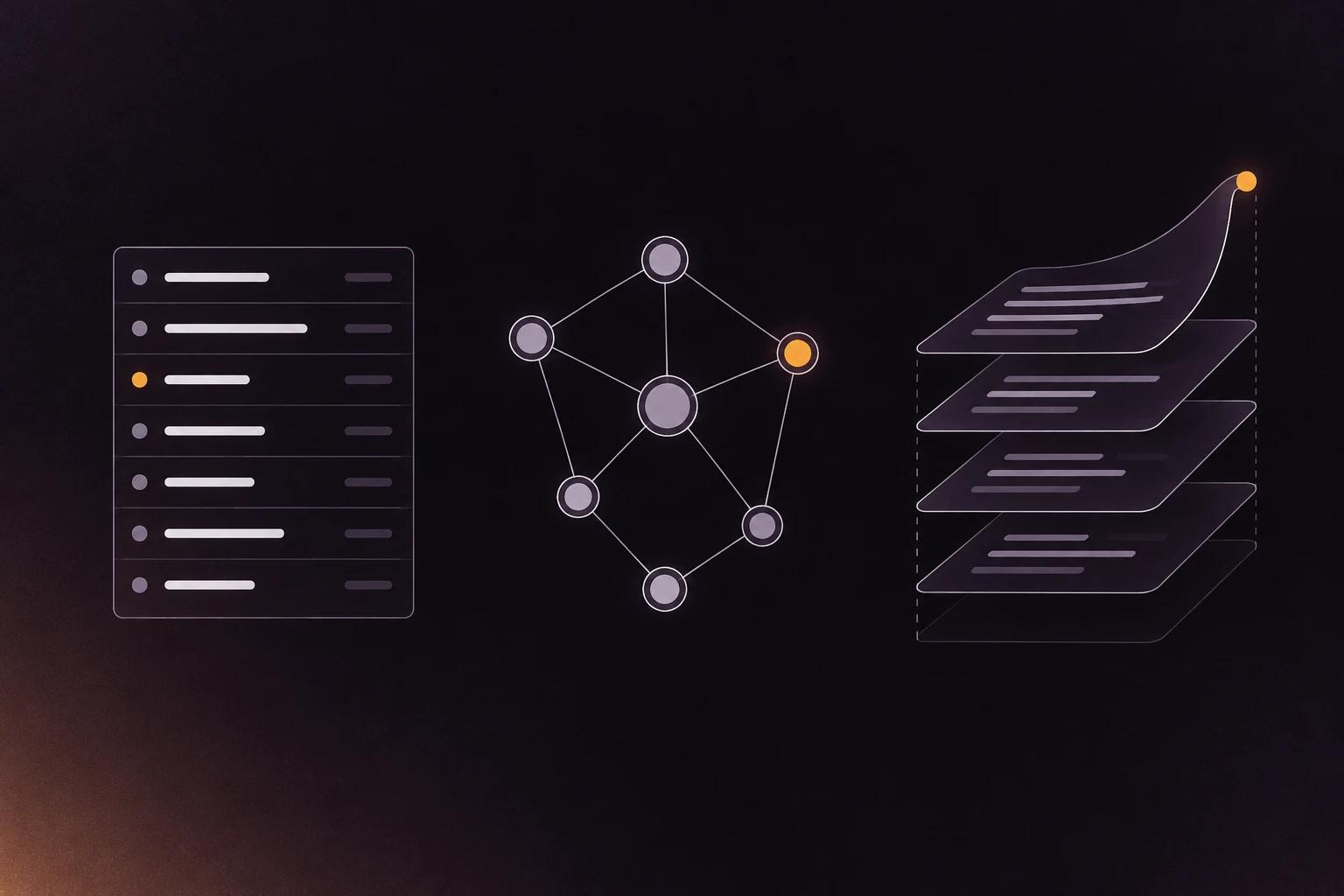
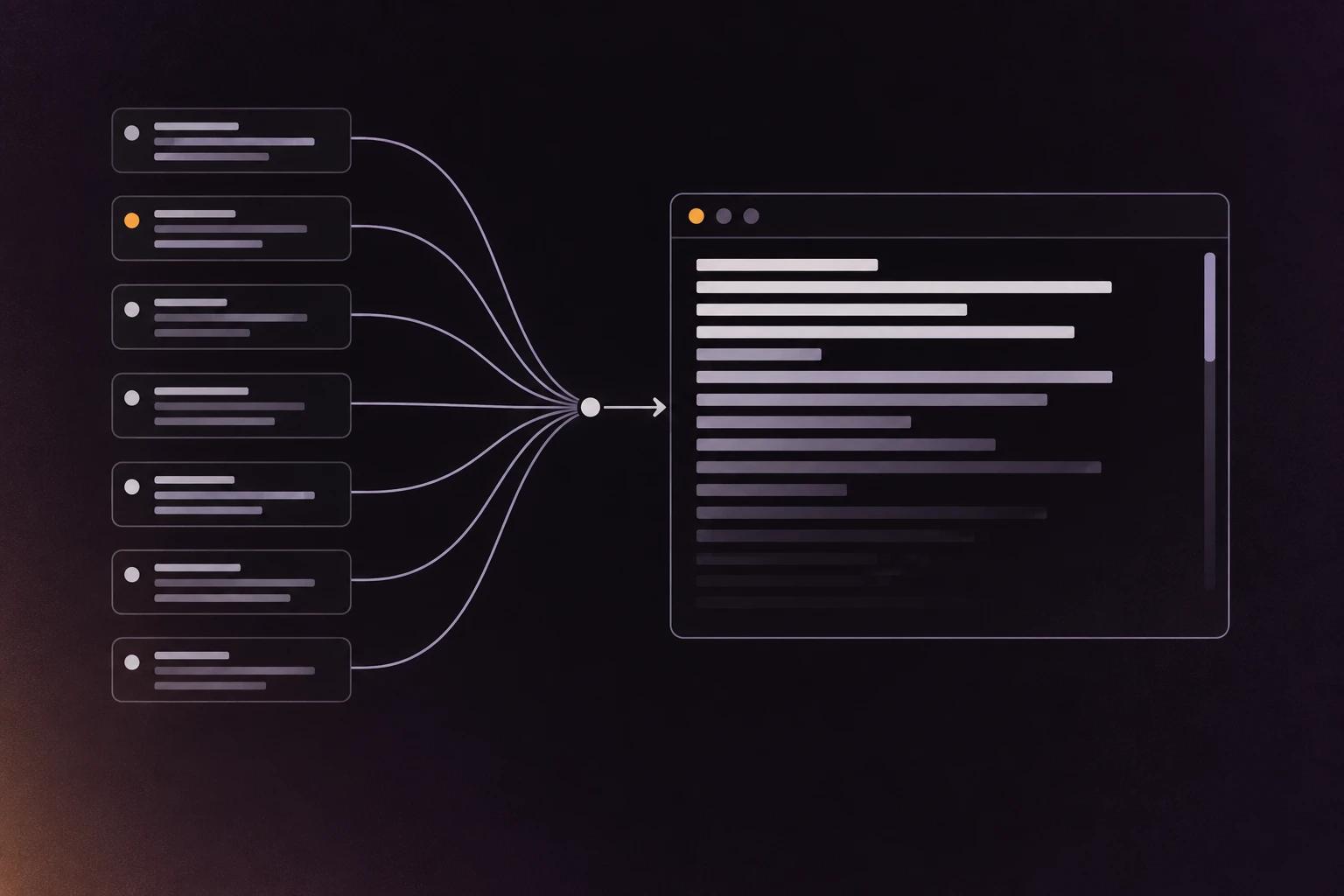
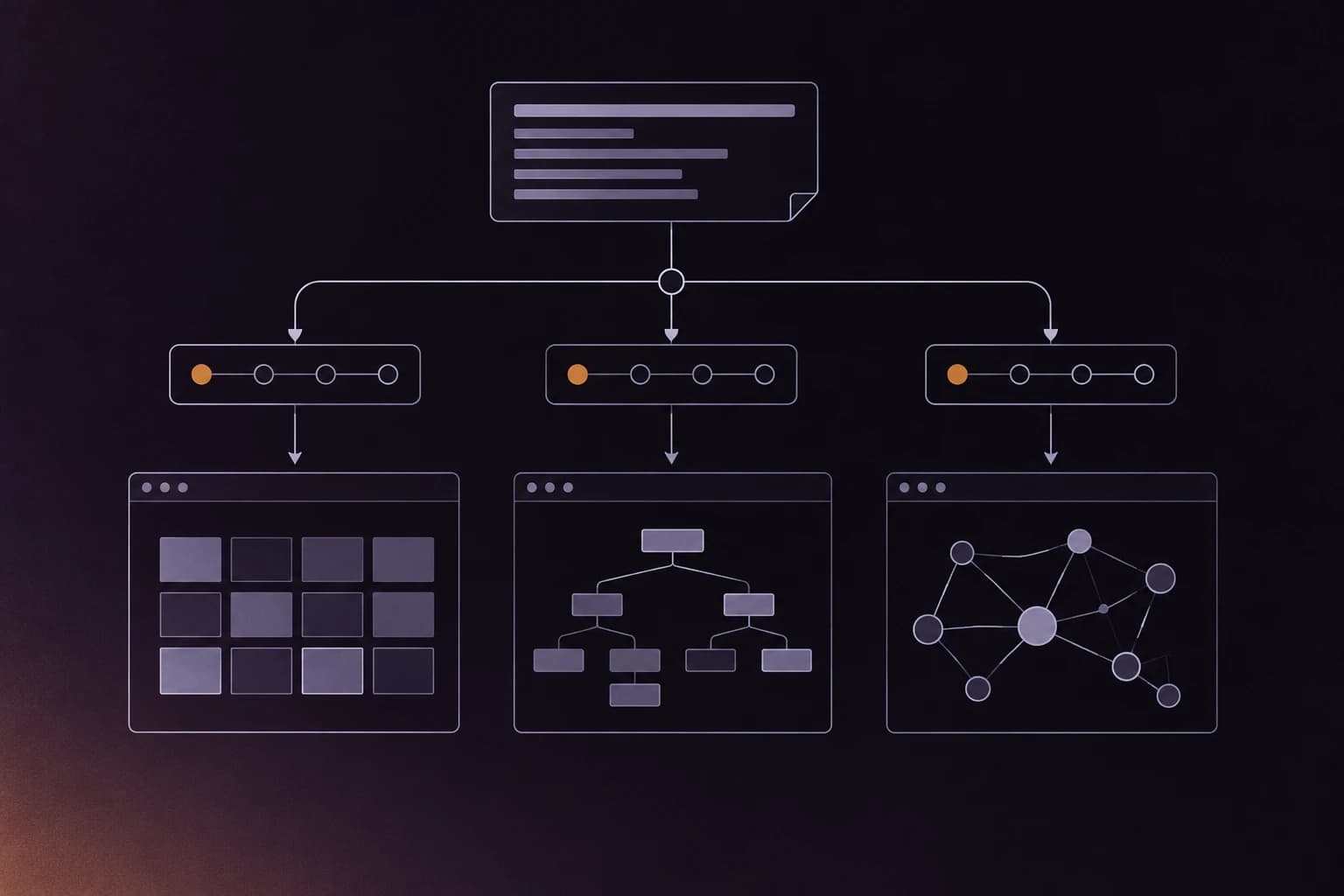
In ratatui vs iced vs bevy, the real difference is where state lives. ratatui redraws everything into a cell buffer and sends only the changed cells, iced rebuilds its widget tree but keeps widget state in a separate tree, and bevy makes every UI element an ECS entity drawn by scheduled systems.
We read the render path of each library in the source, at the commit we indexed, and put their code health scores side by side. ratatui scores 7.8, bevy 6.7 and iced 5.5, and the gap between ratatui and iced is mostly tests our scorer could not link, not size.
| ratatui | iced | bevy | |
|---|---|---|---|
| What it is | Terminal UI library | Desktop GUI library (Elm style) | Game engine (UI is one part) |
| Stars | 22,878 | 31,677 | 48,652 |
| Lines of code | 67,949 | 76,157 | 477,070 |
| Files indexed | 366 | 497 | 2,209 |
| Code health | 7.8 | 5.5 | 6.7 |
| Hotspots | 6 | 27 | 270 |
| Frame model | Redraw everything into a buffer, send the diff | Rebuild widget tree, keep widget state, draw on GPU or CPU | Systems on a schedule over ECS entities |
Scroll the table sideways to see every column.
"Hotspot" means a file that changes a lot and is also complex.
ratatui: draw everything, send only what changed
ratatui is immediate mode, which means you do not keep widget objects around. Every frame, you describe the whole screen again, and ratatui works out what to actually send to the terminal.
The entry point is Terminal::draw, which calls try_draw in ratatui-core/src/terminal/render.rs. Stripped of comments, it is short:
self.autoresize()?;
let mut frame = self.get_frame();
render_callback(&mut frame).map_err(Into::into)?;
let cursor_position = frame.cursor_position;
self.apply_buffer_with_cursor(cursor_position)
Your callback renders widgets into a Buffer, which is a flat grid of cells (a character plus its style). The Widget trait in ratatui-core/src/widgets/widget.rs is one method: fn render(self, area: Rect, buf: &mut Buffer). It takes self by value, so each widget is used once and thrown away.
The work that saves bandwidth happens after rendering, because the terminal keeps two buffers. Terminal::flush in ratatui-core/src/terminal/buffers.rs compares the previous buffer with the current one and passes only the changed cells to the backend. Then swap_buffers resets the old one and flips an index. The comparison lives in BufferDiff in ratatui-core/src/buffer/diff.rs, and most of its 664 lines are about wide characters. When a double-width character or an emoji is replaced by something narrower, the cell to its right may still show stale styling, so the diff has a TrailingState that forces those cells to be re-sent.
In ratatui, state lives in your own structs. ratatui has StatefulWidget for things like a list's selected row, but the state type is yours and you pass it in each frame as &mut Self::State. The library holds two buffers and almost nothing else.
That diff file is also ratatui's top hotspot in our index, with 4 earlier bug-fix commits. That fits: it is the one place where terminal quirks (wide characters, emoji, styles on blank cells) all meet.
iced: rebuild the tree, keep the widget state
iced follows the Elm architecture. You write an update function that changes your state when a message arrives, and a view function that turns state into widgets. The trait in program/src/lib.rs has exactly that shape: fn update(&self, state: &mut Self::State, message: Self::Message) and fn view(...).
Like ratatui, iced calls your view again after things change. Unlike ratatui, iced keeps a second structure alive between rebuilds. In runtime/src/user_interface.rs, UserInterface::build takes the new widgets and a Cache from the last frame:
let Cache { mut state } = cache;
state.diff(root.as_widget_mut());
let base = root.as_widget_mut().layout(&mut state, renderer, &layout::Limits::new(Size::ZERO, bounds));
That state is a widget::Tree. Each widget can declare its own internal state through tag() and state() in core/src/widget.rs, and diff matches the new widgets against the old tree so things like a text cursor position or scroll offset survive the rebuild. So iced has two kinds of state: your application state, which you own, and widget state, which iced owns and reconciles. If you have used React, diff will feel familiar.
The loop lives in winit/src/lib.rs. build_user_interface calls program.view(id) and then UserInterface::build. On a redraw, interface.draw(...) records primitives into the renderer and compositor.present(...) puts them on the window. The renderer can be wgpu (GPU) or tiny-skia (CPU), and renderer/src/fallback.rs lets iced fall back from one to the other.
winit/src/lib.rs is 1,937 lines and one of iced's hotspots. It is where window events, redraw requests, clipboard, input methods and the async runtime all meet, so it is the iced version of ratatui's diff file: the place where the outside world comes in.
bevy: UI elements are entities
bevy is a game engine built on ECS, which stands for entity component system. An entity is an ID, and components are plain data attached to it. Systems are functions that run over every entity with a given set of components, in an order the engine schedules.
bevy's UI has no runtime of its own: a UI element is an entity with a Node component (defined in crates/bevy_ui/src/ui_node.rs). Layout is ui_layout_system in crates/bevy_ui/src/layout/mod.rs, which syncs each Node into Taffy (a flexbox and grid layout library) and writes the results back into a ComputedNode component. The UiSystems enum in crates/bevy_ui/src/lib.rs lists the stages it runs in during PostUpdate: Focus, Prepare, Propagate, Content, Layout, Clipping, PostLayout, Stack.
Drawing happens in a separate crate, bevy_ui_render. bevy runs rendering in its own "render world", so the UI data has to be copied over each frame. The RenderUiSystems enum in crates/bevy_ui_render/src/lib.rs has 15 extract steps (backgrounds, borders, images, text, shadows, gradients and more). After extraction, queue_uinodes, prepare_uinodes and a sort step turn them into GPU batches.
In bevy, state lives in components, like all other game state. A button's pressed state is a component, and the code that reacts to it is a system. The point of that design is that UI code can query the same world as gameplay code.
The same design means bevy's numbers describe a whole engine, and you should read them that way. The UI is two crates, bevy_ui (28 Rust files) and bevy_ui_render (12), out of 63 crates and about 1,323 Rust files under crates/. The rest is rendering, physics-adjacent math, audio, assets, scenes and so on. bevy_ui_render/src/lib.rs (2,599 lines) does show up as a hotspot, so the UI is an active area, but it is a small slice of the codebase.
How do the code health scores compare?
ratatui scores 7.8, bevy 6.7 and iced 5.5. bevy's number mostly reflects size and scope, since it is six to seven times bigger than the other two and does far more. Across our index, health drops as repos grow, and a 477k-line engine with 270 hotspots is where you would expect that.
The comparison I find more useful is ratatui and iced, because they are nearly the same size (68k and 76k lines), so size can't explain the gap between them. When I opened iced's code health page, the biggest deductions were all the same kind: untested_hotspot. That is a file that changes often and that our scorer could not link to a test file. The top ones are widget/src/text_input.rs, winit/src/lib.rs, widget/src/scrollable.rs, wgpu/src/lib.rs and widget/src/text_editor.rs. Those are the files where a GUI library does its hardest work: text editing, scrolling, the window loop and the GPU backend. iced does test (there is a test crate with an emulator), but its tests are not organised file by file, so a per-file scorer sees less coverage than may really exist.
ratatui's deductions are a different kind: complex functions that change often in the chart and bar chart widgets, and changes that touch many unrelated parts of layout.rs at once. Those are normal costs of a widget library.
What do these numbers not tell you?
The scores won't tell you which one to use, because that depends on whether you are drawing to a terminal, a desktop window or a game, and these three barely compete.
The scores also leave out design quality. iced's two-kinds-of-state model is more machinery than ratatui's, and that machinery is the reason iced can keep a text cursor in place while your view is rebuilt from scratch. A GUI has to solve problems a terminal never sees, like font fallback, input methods and GPU surfaces, and more of that hard work ends up in a few busy files.
A test-linking deduction can mean "no tests" or "tests we did not find", so I looked. None of the five files above has an inline #[cfg(test)] module, and iced's testing lives in a separate test crate (simulator.rs, emulator.rs) that drives whole apps. A per-file scorer can't connect those tests to text_input.rs, so I think part of iced's gap is tests we did not find.
If you want to check any of this, every number above is on the repo pages: ratatui, iced and bevy.
How we measured
Each repo was indexed by repowise from its default branch: ratatui at a1b0b9c (26 Aug 2026), iced at 56b706f (18 Jul 2026), bevy at 2d54877 (5 Oct 2026). repowise's health score (1 to 10) rates how likely a file is to cause bugs and how hard it is to change, using static checks plus git history; the repo score is the average across files, weighted by lines of code. Scores here are shown with one decimal, as on the repo page. Lines of code count non-blank, non-comment lines. I read the render paths on GitHub at those same commits. Star counts were current on 6 Oct 2026.
To try it on your own crate, paste any GitHub URL into repowise and see its architecture, hotspots and health.
FAQ
- What is the main difference between ratatui, iced and bevy?
- ratatui is an immediate-mode terminal UI library, iced is an Elm-style desktop GUI library, and bevy is a game engine whose UI is built from ECS entities. They target different surfaces (terminal, desktop window, game), so they rarely compete for the same project.
- Does ratatui redraw the whole screen every frame?
- Your code renders every widget into a buffer each frame, but ratatui compares that buffer with the previous one and sends only the changed cells to the terminal.
- How does iced keep scroll position when the view is rebuilt?
- iced keeps per-widget state in a
widget::Treethat survives rebuilds. On each rebuild,diffmatches the new widgets against the old tree, so state such as a text cursor or scroll offset carries over. - Is bevy UI a separate system from the rest of the game?
- No. A UI element is an entity with a
Nodecomponent, laid out byui_layout_systemusing Taffy and drawn by systems inbevy_ui_render, so UI code can query the same world as gameplay code. - How was the code health scored?
- repowise indexed each repository at the commit listed under How we measured and scored files using static checks plus git history. Every score is on the public repo pages linked in the post. See how repowise measures code health for the method.