On this page
Agentic coding is software development where an AI agent takes a task and carries it out itself: it plans the work, reads the code, edits files, runs commands and checks the result, repeating until the task is done or it needs you. You describe the outcome and review what comes back. The agent does the typing, the searching and the test runs in between.
What is agentic coding?
Agentic coding means the model drives a loop with tools instead of answering one prompt at a time. A chat assistant or autocomplete suggests code and you paste or accept it. An agent has a filesystem, a shell and often a set of external tools, and it decides which to use next based on what the last step returned.
The same idea goes by several names: agentic programming, agentic development and agentic engineering. They all describe working with an agent that acts, as opposed to one that suggests. Anthropic's Building effective agents separates workflows, where code orchestrates the model along fixed paths, from agents, where the model directs its own process and tool use. Coding agents are the second kind.
It is also not vibe coding. Vibe coding means accepting generated code without reading it. Agentic coding can be done carefully, with tests, review and constraints, and the rest of this post is mostly about what carefulness looks like.
How the agentic coding loop works
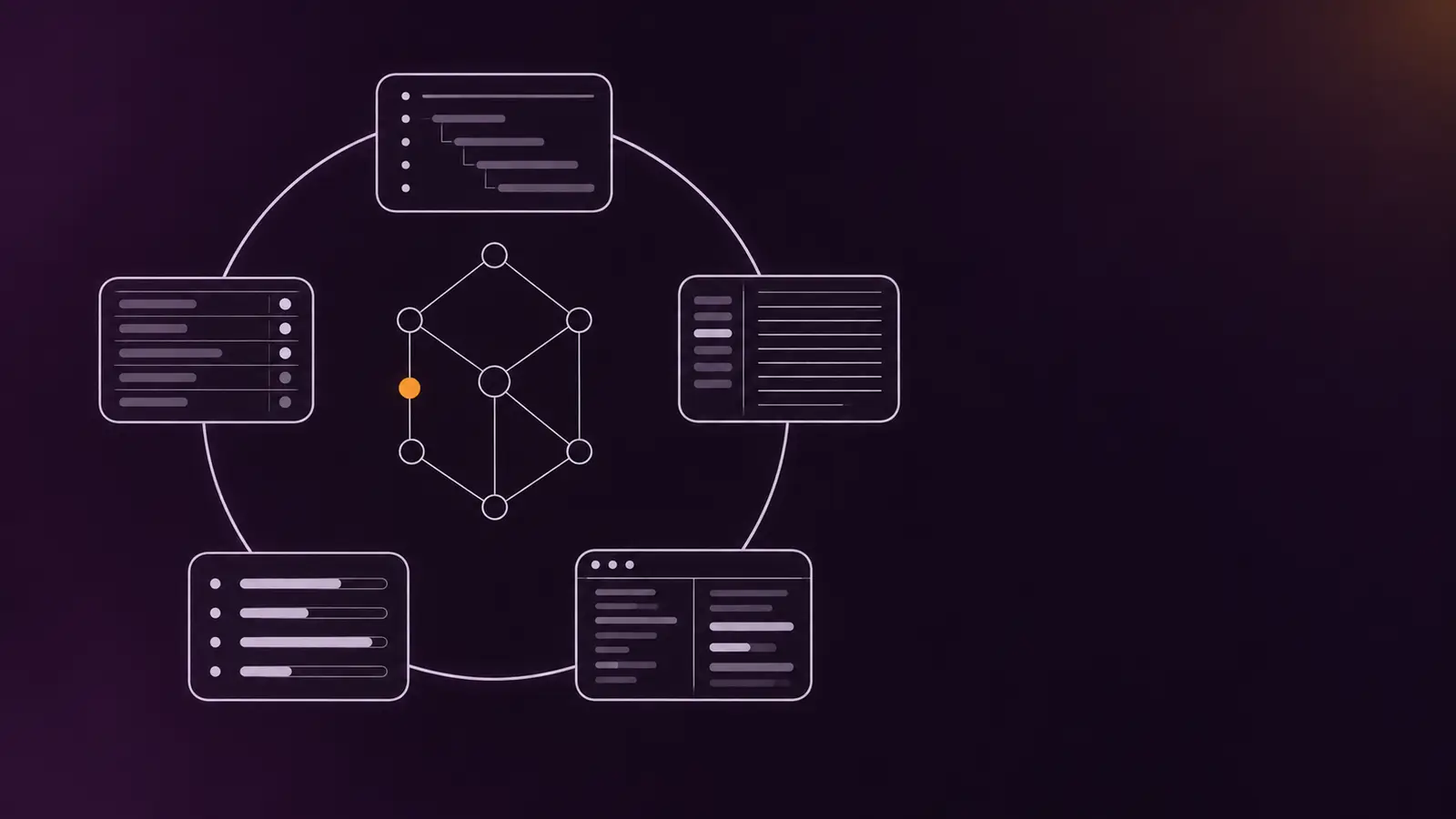
The loop has five steps: plan, read, edit, run, check. Claude Code, Codex, Cursor's agent mode and the rest all run some version of it. The names differ and the shape does not.
| Step | What the agent does | What decides whether it goes well |
|---|---|---|
| Plan | Breaks the task into steps, picks a first move | Whether the task is specific and bounded |
| Read | Greps, opens files, follows imports | Whether it finds the right files and the real callers |
| Edit | Writes or changes files | Whether it knows what else depends on them |
| Run | Executes tests, linters, type checks, the build | Whether a fast, trustworthy command exists |
| Check | Reads the output, fixes, or stops and reports | Whether failures are loud and the stop rule is clear |
Scroll the table sideways to see every column.
Most of the failure sits in two places. Run and check are only as good as the commands you give the agent, which is a setup problem and an easy one. Read is the hard one, because the agent starts every session knowing nothing about your repository except what it can find in the next few minutes.
A bare agent reads by search. It greps for a name, opens the top few files, and builds a picture from that. On a small project this works. On a large one it finds a plausible file instead of the right one, and it edits without knowing who calls what it is changing.
What changes when the agent reads the repo first
An agent that starts from a map of the codebase makes different edits, because it knows the consequences before it makes them. The map is structured facts, each one answering a question the agent would otherwise guess at:
- The dependency graph. Which files import this one, which symbols call this function, which tests cover it. This is the difference between changing a function and changing a function that eleven other modules rely on.
- Git history. Which files change together, which have been fixed for bugs before, who owns them. A file with a record of repeat fixes deserves more care than one nobody has touched in two years.
- Recorded decisions. The reasons the code looks the way it does: why invoice rounding lives in one place, why a retry is deliberately absent. An agent that does not know a decision exists will happily undo it.
- Docs that match the code. A summary of what a module does that is regenerated when the code changes, so the agent is not reading a stale README.
This is what context engineering means for coding agents: deciding what the model sees on each call. The codebase layer is the part most setups are missing. Instruction files tell the agent how you want it to behave. They do not tell it what is in the repository.
Where agentic coding breaks on large codebases
Agents fail on big repositories for predictable reasons, and none of them are about the model being unintelligent. They are about missing information.
- The wrong file. Search returns the file that mentions the word, not the file that owns the behavior. The agent patches a wrapper and leaves the bug in place.
- Unseen dependents. The edit is correct locally and breaks a caller three directories away. Nothing in the agent's context said the caller existed.
- Repeated mistakes. The area has a history of the same bug, and the agent reintroduces it, because history is in git and the agent never looked.
- Reversed decisions. A deliberate choice, such as keeping a validation in one layer, gets "cleaned up" because nothing marked it as deliberate.
- Context burned on exploration. The agent spends its window opening files to orient itself, and has less left for the work. Long sessions drift.
- Fast, confident, unreviewable output. An agent can open pull requests faster than anyone can read them. That moves the bottleneck to review, which is its own problem: see code review at agent scale.
Each of these gets cheaper to fix once the agent can ask the repository a question and get a precise answer, instead of inferring one from a grep.
Agentic coding with codebase context: repowise
repowise is an MCP server that answers the agent's questions from an index of your repository, so it asks instead of guessing. Before an edit the agent calls get_risk on the file and gets its hotspot status, bug-fix record, owners, co-change partners and dependents. After the edit, get_change_risk() reviews the uncommitted diff and the tests that cover it.
get_risk(targets=["src/billing/invoice.py"])
The full setup, including the hooks that push this context without being asked, is in harness engineering, and repowise for agents covers each client.
How to set up agentic coding on your team
Set up the loop in the order it fails: checks first, then context, then guardrails. Most teams get the first step done in an afternoon.
- Write a short instruction file.
CLAUDE.mdorAGENTS.md, around 100 lines: how to build and test, where things live, what never to touch. Link out to docs for detail. The CLAUDE.md and AGENTS.md guide covers the format. - Give the agent one command to test and one to lint and type-check. If either is slow or flaky, fix that first. The agent will run them constantly and a flaky check teaches it to ignore failures.
- Connect codebase context. Run
repowise initin the repository and the agent gets the MCP tools and hooks. Other options are compared in best MCP servers for coding agents. - Scope tasks. One feature or one bug per session, with a clear definition of done. Vague tasks produce wide diffs.
- Gate the commit. Run the cheap checks before code lands: tests, types, and a health check on what the change added.
repowise hook health-gate installblocks an agent'sgit commitorgit pushwhen the change adds complex or duplicated code. - Review the risky part, not every line. Let the change risk review tell you which diffs deserve a human and which are routine.
- Fix the setup, not the prompt. When the agent makes the same mistake twice, the answer is a lint rule, a recorded decision or a line in the instruction file.
As your usage grows, the surrounding system gets a name of its own. Harness engineering is the practice of building controls around an agent, loop engineering covers designing loops that run without you prompting each one, and a Ralph loop is the simplest example of one. To choose the agent itself, start at best AI coding agents.
FAQ
- What is agentic coding?
- Agentic coding is using an AI agent that plans a task, reads and edits code, runs commands and checks the results on its own, repeating until the work is done. You set the goal and review the output. It differs from autocomplete or chat, where the model only suggests code and you do the rest.
- How do I get started with agentic coding?
- Pick one coding agent, such as Claude Code, Codex or Cursor, and point it at a small, well-tested task. Write a short instruction file with your build and test commands, and make sure the agent can run the tests itself. Then add codebase context over MCP so it can see dependents and history before it edits.
- What is the difference between agentic coding and vibe coding?
- Vibe coding means accepting AI-generated code without reading or understanding it. Agentic coding means an agent carries out multi-step work with tools, and it can be done with tests, review and constraints. You can vibe code with an agent, but an agentic workflow does not require it.
- Is agentic coding better than using a coding assistant?
- For multi-file tasks, usually yes, because the agent can search, run tests and fix its own errors without you relaying each step. For a one-line change, an inline suggestion is faster. Agents also move the work from writing code to reviewing it, so your checks and review process matter more.
- What is the difference between agentic coding and agentic engineering?
- The terms overlap and are used loosely. Agentic coding usually describes the act of an agent writing and changing code. Agentic engineering is used for the wider practice around it: scoping tasks, setting up tests and tools, reviewing output and improving the system over time.
- Why do coding agents struggle on large codebases?
- They start each session without knowing the repository, so they find files by search and guess at what depends on them. That leads to edits in the wrong file, broken callers, repeated bugs and undone design decisions. Giving the agent the dependency graph, git history and recorded decisions removes most of the guessing.
- Do you need to know how to code to use agentic coding?
- You can get working results without it, but you cannot judge them. Agents produce plausible code that can be wrong, insecure or hard to maintain, and someone has to read the diff and the test results. The more you can review, the more safely you can let the agent run.