On this page
A small OpenAI team shipped about a million lines over five months without writing the code by hand. The interesting part of their write-up is everything they built around the model.
Harness engineering is the work of building everything around an AI model that makes a coding agent reliable: the instructions and tools that steer it before it acts, and the checks that catch its mistakes after. The model writes the code. The harness decides what the model knows and what happens when it gets something wrong.
What is harness engineering?
Harness engineering is designing, testing and tuning the system around a model so that an agent gets work right the first time and corrects itself before a human reviews it. The shortest version is a formula: Agent = Model + Harness. LangChain's Vivek Trivedy uses it to open The Anatomy of an Agent Harness (March 10, 2026), where he defines the harness as every piece of code, configuration and execution logic that is not the model itself.
Any coding agent you run already has a harness. Harness engineering is the layer you add for your own codebase.
What goes into an agent harness
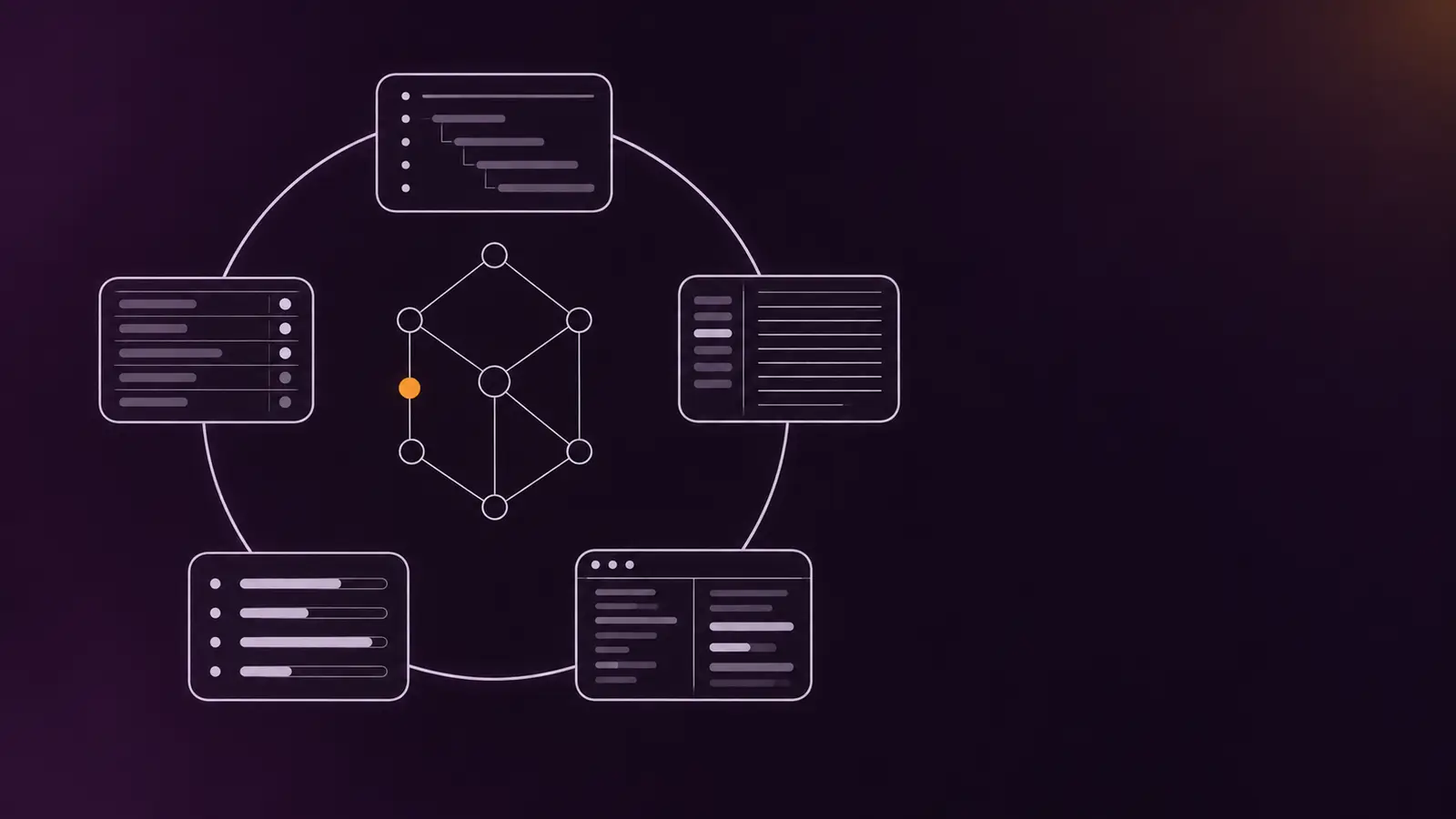
An agent harness has five parts: an execution loop, context and memory, tools, verification, and safety with observability. Every coding agent has some version of each, whether you designed it or not.
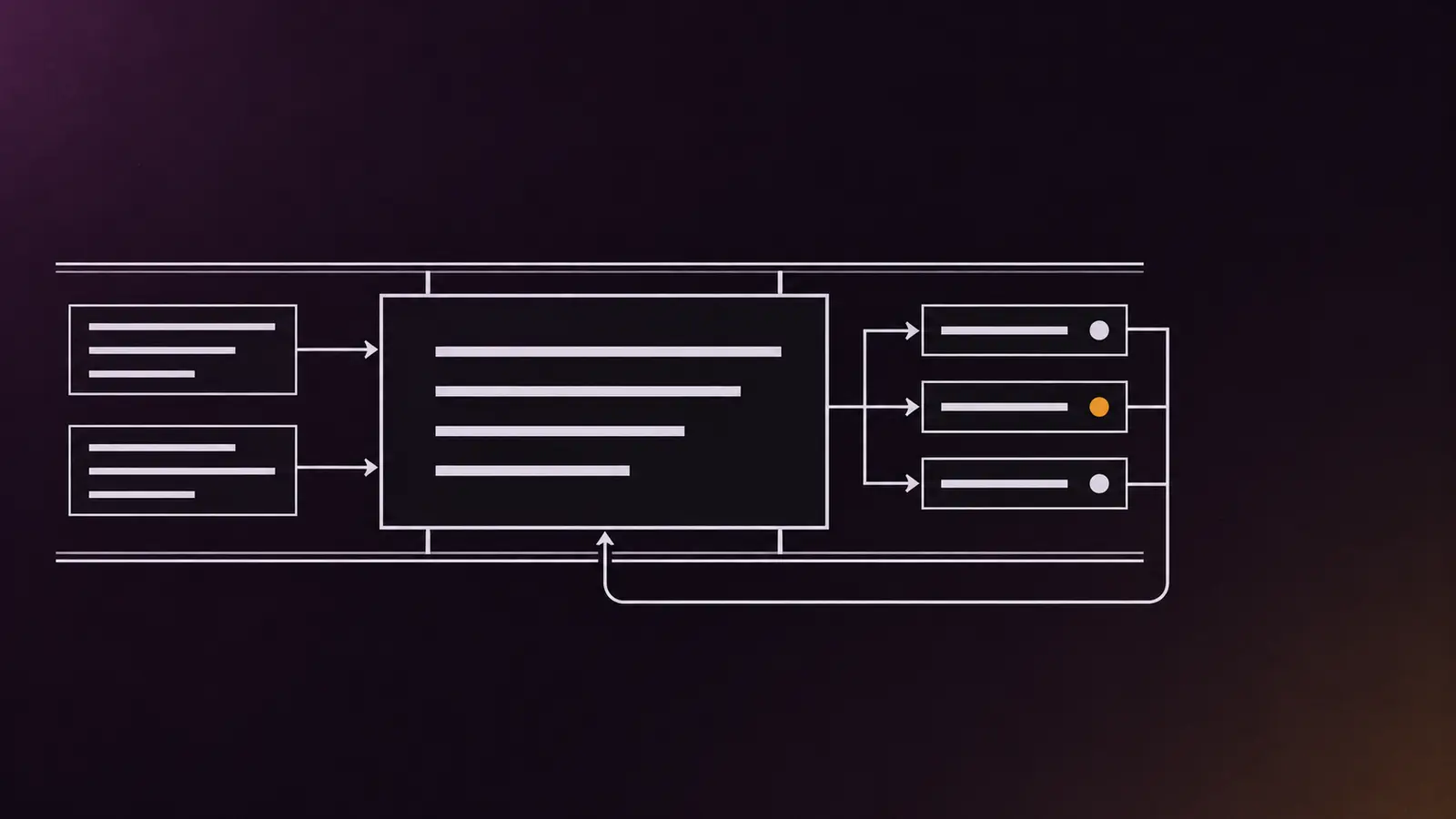
- Execution loop and orchestration. The cycle of model call, tool call, result, next model call. It also covers when a task stops, how work is split across subagents, and whether a stop is allowed before the tests pass. A Ralph loop is one very small version of this part.
- Context and memory. Instruction files such as
AGENTS.mdandCLAUDE.md, skills, docs the agent can read, and notes it writes for its next session. - Tools. The filesystem, a shell, a sandbox, browser automation, and MCP servers that answer questions the model cannot answer from the files in front of it.
- Verification and feedback. Tests, type checks, linters, structural tests and review steps, plus the repair loop that feeds their output back to the agent.
- Safety and observability. Permissions, hooks that block or warn, and traces so a human can see what the agent did and why.
For designing the loops that run agents without you prompting each one, see loop engineering. A loop is one component of a harness.
Guides and sensors: the two halves of a harness
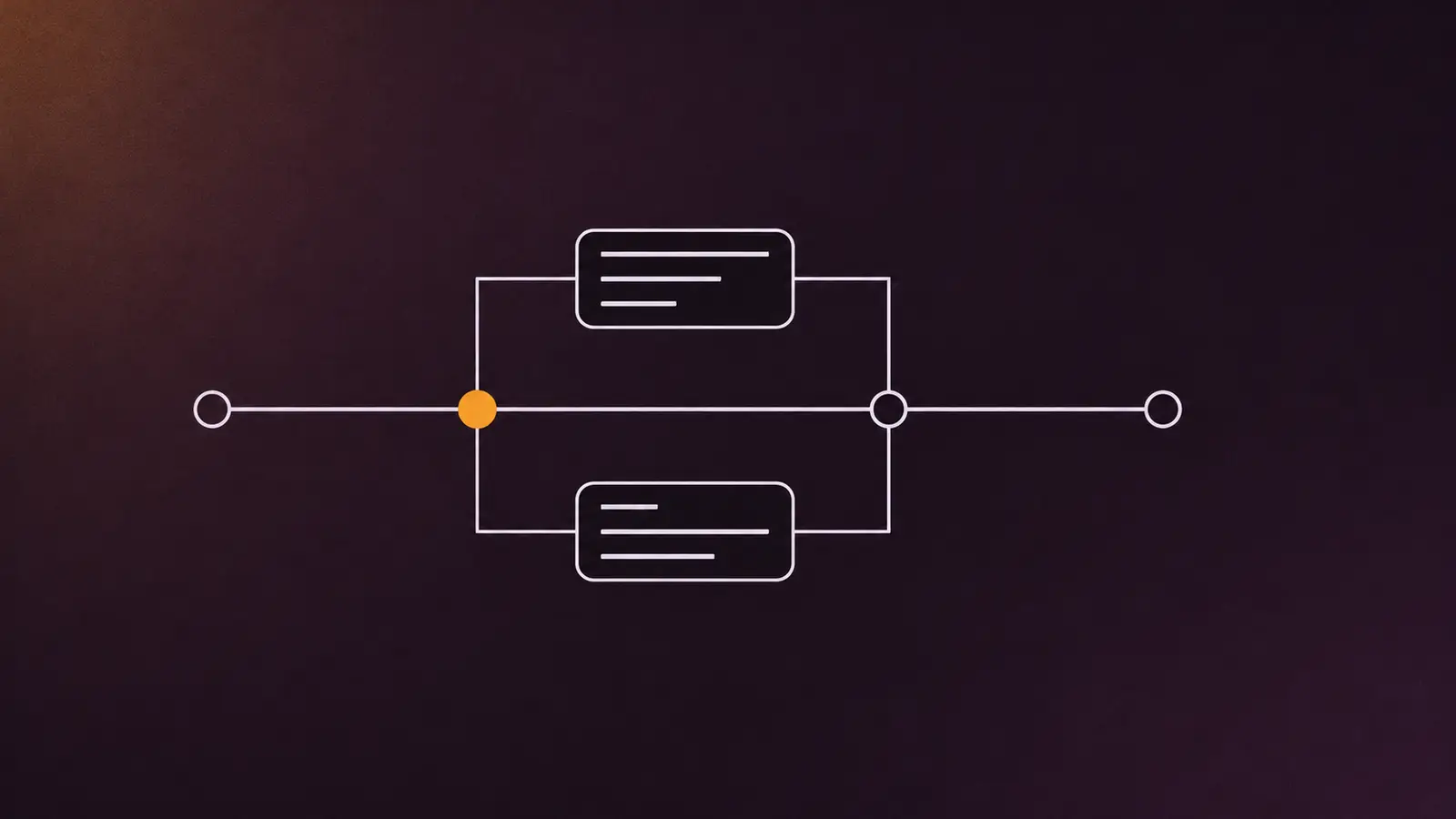
Guides steer the agent before it acts, and sensors observe what it did so it can correct course. Birgitta Böckeler's Harness engineering for coding agent users (martinfowler.com, April 2, 2026) uses exactly these two words, and they are the most useful way to sort what you already have.
A guide is feedforward: conventions in AGENTS.md, a codemod, a project template, a doc that says where billing code lives. A sensor is feedback: a linter, a failing test, an AI review pass.
The second axis is how the control runs. Computational controls (tests, linters, type checkers) are fast and deterministic. Inferential controls (an LLM judging a diff) are slower, cost tokens and can be wrong, but they catch what rules cannot. Böckeler's advice is to keep quality left: put as much as you can before the edit, and fix the harness when the same issue shows up twice.
| Control | Type | When it runs | Example |
|---|---|---|---|
| Instruction file | Guide, inferential | Before the edit | AGENTS.md pointing at the right docs |
| Codemod or template | Guide, computational | Before the edit | Scaffold a new endpoint from a template |
| Dependents lookup | Guide, computational | Before the edit | get_risk(targets=["src/billing/invoice.py"]) |
| Linter or type check | Sensor, computational | After the edit | Architecture lint with a fix message for the agent |
| Test run | Sensor, computational | After the edit | Tests covering the changed lines |
| Change review | Sensor, computational | After the edit | get_change_risk() on the uncommitted diff |
| Health gate | Sensor, computational | On commit | Block a commit that adds complex or duplicated code |
| LLM review | Sensor, inferential | After the edit | A second agent reads the diff |
Scroll the table sideways to see every column.
Harness engineering in practice: OpenAI and Anthropic
The two best-known harness write-ups both end up in the same place: a short map for the agent, strong mechanical checks, and state that survives between sessions.
OpenAI's Ryan Lopopolo published Harness engineering: leveraging Codex in an agent-first world on February 11, 2026. A small team shipped an internal beta product over five months with no manually written code, about a million lines and roughly 1,500 merged pull requests. Their line is "Humans steer. Agents execute."
Two details are worth copying. The AGENTS.md is about 100 lines and works as a table of contents into a structured docs/ folder, a map and not a manual. Architecture rules are enforced by custom linters and structural tests, and the lint errors carry remediation text written for the agent. They also say this depended heavily on repo-specific tooling.
Anthropic's Justin Young covered the long-running side in Effective harnesses for long-running agents (November 26, 2025). An initializer agent sets up the environment on the first run. Every later session makes incremental progress on one feature, leaves the repo clean, and writes to a progress file so a fresh context window can catch up from the file and git history.
The feature list is JSON with every item starting as failing, and agents may only flip a passes field.
Harness vs context vs prompt engineering
Prompt engineering writes the instruction, context engineering manages what the model sees on each call, and harness engineering builds the system around the model across calls. A PostToolUse hook that warns when a file changed since the agent read it is harness. The warning it injects is context. The sentence telling the agent what to do about it is prompt.
Böckeler calls harness engineering a specific form of context engineering. For the full definition and techniques, read what context engineering is.
The codebase layer of a harness
Most harnesses are built from generic parts, and the part that makes them work on a real repository is knowledge of that repository. A guide that says "be careful with billing" is weak. A guide that says "this file has eleven dependents, was fixed for the same bug three times and is governed by a decision to keep invoice rounding in one place" changes what the agent does next.
That knowledge is what repowise supplies: the codebase layer a harness plugs into, in three forms.
Pulled by the agent, over MCP. Before an edit, the agent calls:
get_risk(targets=["src/billing/invoice.py"])
It gets what history says about touching that file: whether it is a hotspot, its bug-fix record, owners, co-change partners and dependents. Passing changed_files adds what may break and which tests to run. get_why returns the decision records behind how the code is shaped, and get_context returns a card with summary, signatures, callers and governing decisions. These are guides, and they are computational: no model judges anything.
After the edit, the sensor is:
get_change_risk()
With no arguments it reviews uncommitted work: what the change made worse, which tests cover the changed lines, and the fix record of the files it touched. It also takes a commit or a range. The change risk page shows what a review looks like.
Pushed by hooks, at the right moment. repowise init installs agent hooks that make no LLM calls and no network calls; they read the local index and git, and a failure exits silently so it never blocks the agent. A SessionStart hook reports when the index is behind HEAD. PostToolUse hooks on Grep, Glob, Read, Edit and Write add graph context to searches, warn when a file changed since the agent last read it, name up to three decisions in force for an edited file, and flag a repeated bug-fix history. Claude Code hooks explains the events these ride on.
Enforced at commit. The health gate is opt-in: repowise hook health-gate install runs repowise health check when Claude Code runs git commit or git push, and blocks the command when the change adds complex, deeply nested, oversized or duplicated code. That is a sensor with teeth, and it keeps the agent's own commits honest without a human watching.
Every MCP response carries the indexed commit and a stale warning when a file it served has changed, so the agent knows how far to trust what it read. On the benchmark side, an agent with repowise opened up to 99% fewer files per question; the method is on the benchmarks page.
How to start a harness on your own repo
Start with the failures you already see, and add one control per failure.
- Write a short map. Keep
AGENTS.mdorCLAUDE.mdnear 100 lines: how to build and test, where things live, links intodocs/. Move detail into the docs. - Make the checks the agent can run obvious. One command for tests, one for lint and types. If a check is slow or flaky, fix it first, because the agent will run it constantly.
- Turn repeated review comments into lint rules or structural tests. Write the error message for the agent, with the fix in it.
- Give the agent codebase knowledge. Connect an MCP server that answers what depends on a file, what broke there and which decision applies, so it stops grepping for them.
- Add state for long tasks. A progress file, a feature list the agent may only mark passing, and a clean-state rule at the end of each session.
- Gate the commit, then tune. Block on the cheap computational checks and add an LLM reviewer only for what rules cannot express. When the same mistake appears twice, the fix goes in the harness, not in the next prompt.
Böckeler calls the ease of checking a codebase mechanically its harnessability. To wire the codebase layer in, start at repowise for agents.
FAQ
- What is harness engineering in simple words?
- Harness engineering is building the setup around an AI coding agent so it does good work reliably. You give it instructions and tools before it acts, then run tests, linters and reviews on what it produced and feed the results back. The model is the engine; the harness is everything that keeps it on the road.
- What is an agent harness?
- An agent harness is all the code, configuration and execution logic around a model that is not the model itself. It includes the execution loop, instruction files and memory, tools, verification steps such as tests and linters, and permissions and hooks. Agent = model + harness.
- What is the difference between harness engineering and context engineering?
- Context engineering decides what the model sees on each call. Harness engineering builds the controls around the agent across calls: the guides that steer it, the sensors that check it and the loops that run it. Birgitta Böckeler describes harness engineering as a specific form of context engineering.
- What does a harness engineer do?
- A harness engineer designs and tunes everything around the model: the short instruction map, the tools, the tests and linters that check the agent's work, and the state that survives between sessions. When the same mistake shows up twice, they fix it in the harness instead of the next prompt. Most of the job is steering and checking agents, with little code written by hand.
- What did OpenAI mean by harness engineering?
- In a February 11, 2026 post, OpenAI's Ryan Lopopolo used the phrase for how a small team built an internal product with Codex and no manually written code. The work was designing the environment: a roughly 100-line
AGENTS.mdthat points to structured docs, custom linters and structural tests, and agent-run cleanup, so that humans steer and agents execute. - Is Claude Code an agent harness?
- Yes, by the usual definition of a harness as everything that is not the model. Claude Code wraps a Claude model: it supplies the execution loop, the file and shell tools, permissions and context handling. You extend it with
CLAUDE.md, hooks, skills and MCP servers, and those additions are your own harness engineering on top of the one that ships.