On this page
- How we picked
- mattpocock/skills: engineering habits as skills
- juliusbrussee/caveman: fewer tokens per session
- addyosmani/agent-skills: a full development lifecycle
- tt-a1i/archify: diagrams from an idea or a repo
- mvanhorn/last30days-skill: research across social and the web
- cloudflare/security-audit-skill: multi-phase security audits
- heydamir/unslop: fix AI-looking UI
- Claude skills, agent skills and Codex skills: how they relate
- How to choose
- Before you install a skill
- Skills and codebase context
- FAQ
The best Claude Code skills right now come from seven public repositories: mattpocock/skills and addyosmani/agent-skills for engineering workflow, caveman for shorter and cheaper sessions, archify for diagrams, Cloudflare's security-audit-skill for security reviews, last30days-skill for research, and heydamir/unslop for cleaning up AI-looking UI. All seven are open source, and each installs with one or two commands.
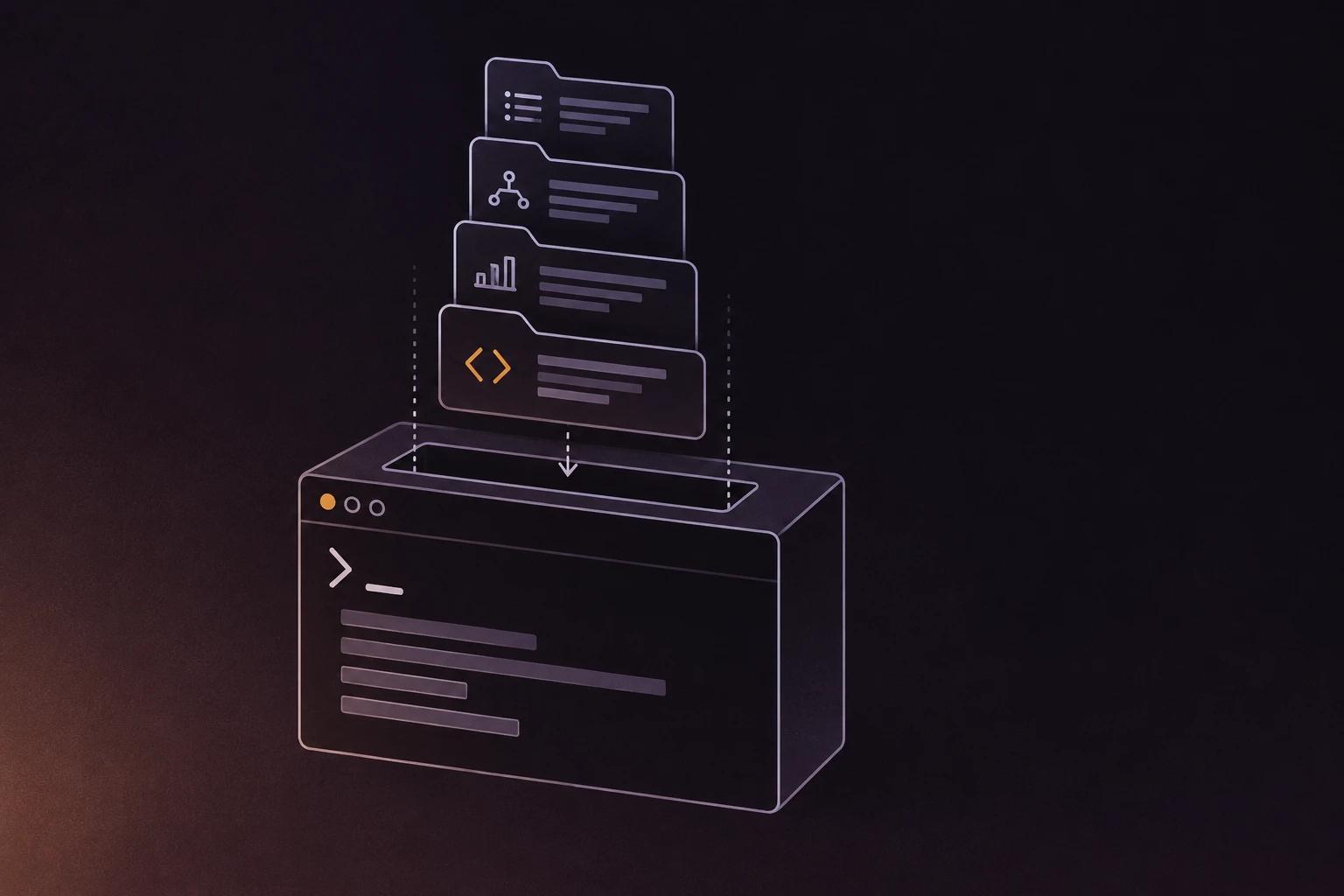
A skill is a folder with a SKILL.md file: YAML frontmatter with a description, then Markdown instructions. Claude Code loads skills when a task matches, or when you type /skill-name (Claude Code skills docs). The format is the open Agent Skills standard, so most of the skills below also run in Codex and other clients.
The short list, with stars as shown on GitHub on 7 November 2026:
| Skill repo | What it does | Stars |
|---|---|---|
| mattpocock/skills | Everyday engineering skills from Matt Pocock's own setup | 316.9k |
| juliusbrussee/caveman | Shorter agent answers and smaller tool output | 118.0k |
| addyosmani/agent-skills | 25 skills and 9 commands across the development lifecycle | 113.8k |
| tt-a1i/archify | Interactive architecture diagrams from a description or a codebase | 94.3k |
| mvanhorn/last30days-skill | Researches a topic across Reddit, X, YouTube, HN and the web | 66.9k |
| cloudflare/security-audit-skill | Multi-phase security audits with verified findings | 64.4k |
| heydamir/unslop | Turns vibecoded UI into a designed interface | 10.9k |
Scroll the table sideways to see every column.
We build repowise, so weigh our entry accordingly. The measurements we publish about it, with their methods, are on the benchmarks page.
How we picked
We started from the skill repositories that repowise has indexed, then kept the ones that are maintained, documented and installable today. For each one we read the README and checked the repository on GitHub on 7 November 2026. We did not benchmark the skills against each other. They solve different problems, so the useful question is which one fits your work.
Every entry links to the GitHub repository and to its page on repowise, where you can read the structure of the code before you install it.
mattpocock/skills: engineering habits as skills
mattpocock/skills is a set of small, composable skills taken from Matt Pocock's own .agents directory, aimed at real engineering instead of one-shot generation. The README describes them as easy to adapt and usable with any model. MIT licensed.
- For: developers who want a working engineering loop (issue tracker, planning, review) they can edit.
- Install in Claude Code:
claude plugin install mattpocock-skills@claude-plugins-official. For other agents:npx skills@latest add mattpocock/skills -a <agent>. - Then: run
/setup-matt-pocock-skillsonce per repository to pick your issue tracker. - Links: GitHub · repowise page
Pick it if you want a small, hackable set of engineering skills instead of a framework that owns your process.
juliusbrussee/caveman: fewer tokens per session
caveman makes the agent answer in fewer words and shrinks logs, JSON and test output before the model reads them. The README reports 33.2% fewer input tokens across 54 Claude Code runs and credits the approach to its own measurements, so treat the numbers as the author's. It works with Claude Code, Codex, Gemini CLI, OpenCode and more than 30 other agents. Apache 2.0.
- For: anyone watching token spend or hitting context limits.
- Install:
npx @caveman-ai/cli@latest(needs Node.js 22.13 or newer), or only the skill withnpx skills add JuliusBrussee/caveman -g. - Then: type
/cavemanin Claude Code, or$cavemanin Codex. - Links: GitHub · repowise page
Pick it if long sessions are your main cost and you are happy with terse answers.
addyosmani/agent-skills: a full development lifecycle
addyosmani/agent-skills packages 25 production-minded skills and nine slash commands that follow a project from spec to ship. Commands map to the lifecycle (define, plan, build, verify, review, ship), and skills activate by themselves when the task matches, for example API design or test-driven development. MIT licensed.
- For: teams that want a consistent definition of done across agents.
- Install:
npx skills add addyosmani/agent-skillsfor all skills, or--skill code-review-and-qualityfor one. In Claude Code:/plugin marketplace add addyosmani/agent-skills, then/plugin install agent-skills@addy-agent-skills. - Links: GitHub · repowise page
Pick it if you want opinionated review, testing and shipping gates in one install.
tt-a1i/archify: diagrams from an idea or a repo
archify turns a description, a plan or a codebase into an interactive diagram that opens as a self-contained HTML file. It runs in Claude Code, Codex, Cursor and OpenCode, and can answer a question as a one-page explainer with diagrams, tables and cited sources. Apache 2.0.
- For: engineers who explain systems to other people.
- Install: send your agent
Install Archify for me by reading https://raw.githubusercontent.com/tt-a1i/archify/main/llms.txt. Other routes are listed in the README. - Use:
Use Archify to diagram a web request: Browser calls the API, the API checks Redis, and a cache miss queries PostgreSQL. - Links: GitHub · repowise page
Pick it if you need a shareable diagram without opening a drawing tool. For a diagram generated from code structure, see generating architecture diagrams from a GitHub repo.
mvanhorn/last30days-skill: research across social and the web
last30days researches a topic across Reddit, X, YouTube, Hacker News, Polymarket and the web, scores results by engagement and writes a grounded summary. Reddit, HN, Polymarket and GitHub work with no setup, and a first-run wizard adds more sources. MIT licensed.
- For: founders and developers researching a tool, a competitor or a trend before deciding.
- Install in Claude Code:
/plugin marketplace add mvanhorn/last30days-skill, then/plugin install last30days. For Codex, Cursor and other hosts:npx skills add mvanhorn/last30days-skill -g. - Use:
/last30days <topic>. - Links: GitHub · repowise page
Pick it if you want current community opinion that a web search alone does not surface.
cloudflare/security-audit-skill: multi-phase security audits
cloudflare/security-audit-skill runs a multi-phase security audit of a codebase and reports machine-readable findings that are verified independently. It is published by Cloudflare. MIT licensed.
- For: teams that want a structured security pass before a release or a review.
- Install:
npx skills add https://github.com/cloudflare/security-audit-skill --skill security-audit, with--globalfor a user-level install. - Use: start the agent in the repository and ask
security audit this codebase. - Links: GitHub · repowise page
Pick it if you want an audit workflow whose findings you can check, not a one-line "is this secure" answer. Treat the output as input to a human review.
heydamir/unslop: fix AI-looking UI
unslop finds the tells of generated UI (purple gradients, glows, emoji labels, shouty copy, uneven spacing), sets a design direction from your product and fixes the screen pass by pass. It works in Next.js, React, Vue, Svelte, Tailwind or plain HTML and CSS, and can start from a live URL. CC-BY-4.0.
- For: anyone shipping a dashboard, app or landing page that was built quickly with an agent.
- Install for Claude Code:
git clone https://github.com/heydamir/unslop
mkdir -p ~/.claude/skills && cp -r unslop/skills/unslop ~/.claude/skills/
- Install for Codex:
$skill-installer install https://github.com/heydamir/unslop/tree/main/skills/unslop. - Use:
/unslop this dashboardin Claude Code,$unslopin Codex. - Links: GitHub · repowise page
Pick it if your UI works but looks like everyone else's.
Claude skills, agent skills and Codex skills: how they relate
Claude skills and Codex skills are the same format, called Agent Skills: a folder with a SKILL.md, loaded on demand. Agent Skills was developed by Anthropic and released as an open standard (agentskills.io). Only the install location and the way you invoke a skill differ per tool.
| Claude Code | Codex | |
|---|---|---|
| Personal skills | ~/.claude/skills/<name>/SKILL.md | $HOME/.agents/skills |
| Project skills | .claude/skills/<name>/SKILL.md | .agents/skills in the repository |
| Invoke | /skill-name, or automatic when the description matches | $skill-name, /skills, or automatic |
| Distribute | Plugins, namespaced as /plugin:skill | Plugins, or $skill-installer for local use |
Scroll the table sideways to see every column.
Sources: Claude Code skills and Codex skills, checked 7 November 2026. The npx skills add command from the open skills CLI installs one skill into many agents at once, which is why most repositories above document it first.
How to choose
| If you want | Start with |
|---|---|
| A light engineering workflow you can edit | mattpocock/skills |
| Review, test and ship gates in one install | addyosmani/agent-skills |
| Lower token spend | caveman |
| Diagrams and explainers | archify |
| A security audit workflow | cloudflare/security-audit-skill |
| Research on a topic or competitor | last30days-skill |
| Better-looking generated UI | unslop |
Scroll the table sideways to see every column.
Install two or three. Every installed skill adds its name and description to the agent's context, and overlapping skills can trigger on the same request, so a small set you know beats a large set you do not.
Before you install a skill
- Read the
SKILL.mdand any scripts it bundles. A skill is instructions plus code your agent can run. - Check the license, the last commit and the open issues.
- Prefer project scope for a skill only one repository needs, so your team gets it through the repository.
Skills and codebase context
Skills tell an agent how to work: a review checklist, a diagram style, an audit procedure. They do not tell it what your own repository contains. That is the job of a codebase MCP server such as repowise, which answers questions about structure, history, ownership and risk from a precomputed index. The two combine well: a review skill with a risk lookup behind it. See giving AI coding agents real codebase context and the roundup of the best MCP servers.
FAQ
- What are the best Claude Code skills?
- For most developers: mattpocock/skills or addyosmani/agent-skills for engineering workflow, caveman to cut token use, archify for diagrams, Cloudflare's security-audit-skill for audits, last30days-skill for research and unslop for UI cleanup. Pick the one that matches the work you do every week.
- What is a Claude Code skill?
- A skill is a folder containing a
SKILL.mdfile with a description and instructions. Claude Code loads it automatically when a task matches the description, or when you type/skill-name. Skills can bundle scripts and reference files. - How do I install a Claude Code skill?
- Copy the skill folder into
~/.claude/skills/for all your projects or.claude/skills/for one repository, or install it as a plugin. Many repositories also supportnpx skills add owner/repo. - Are Claude skills and Codex skills the same?
- They share the open Agent Skills format, a
SKILL.mdin a folder. Claude Code reads them from.claude/skills, and Codex reads them from.agents/skills. A skill written to the standard usually works in both. - What are agent skills?
- Agent skills are the open format behind Claude and Codex skills. An agent loads a skill's name and description at startup and reads the full instructions only when a task matches, which keeps the context small.
- Are third-party skills safe?
- Treat them like any code you run. Read the
SKILL.mdand bundled scripts, check the license and recent commits, and start with project scope so a skill does not apply everywhere. Skills from a well-known maintainer are easier to vet, but still worth reading. - What is the difference between a skill and an MCP server?
- A skill is a set of instructions loaded into the agent on demand. An MCP server is a running process that exposes tools the agent can call. Skills change how the agent works, and MCP servers give it access to data and actions.