On this page
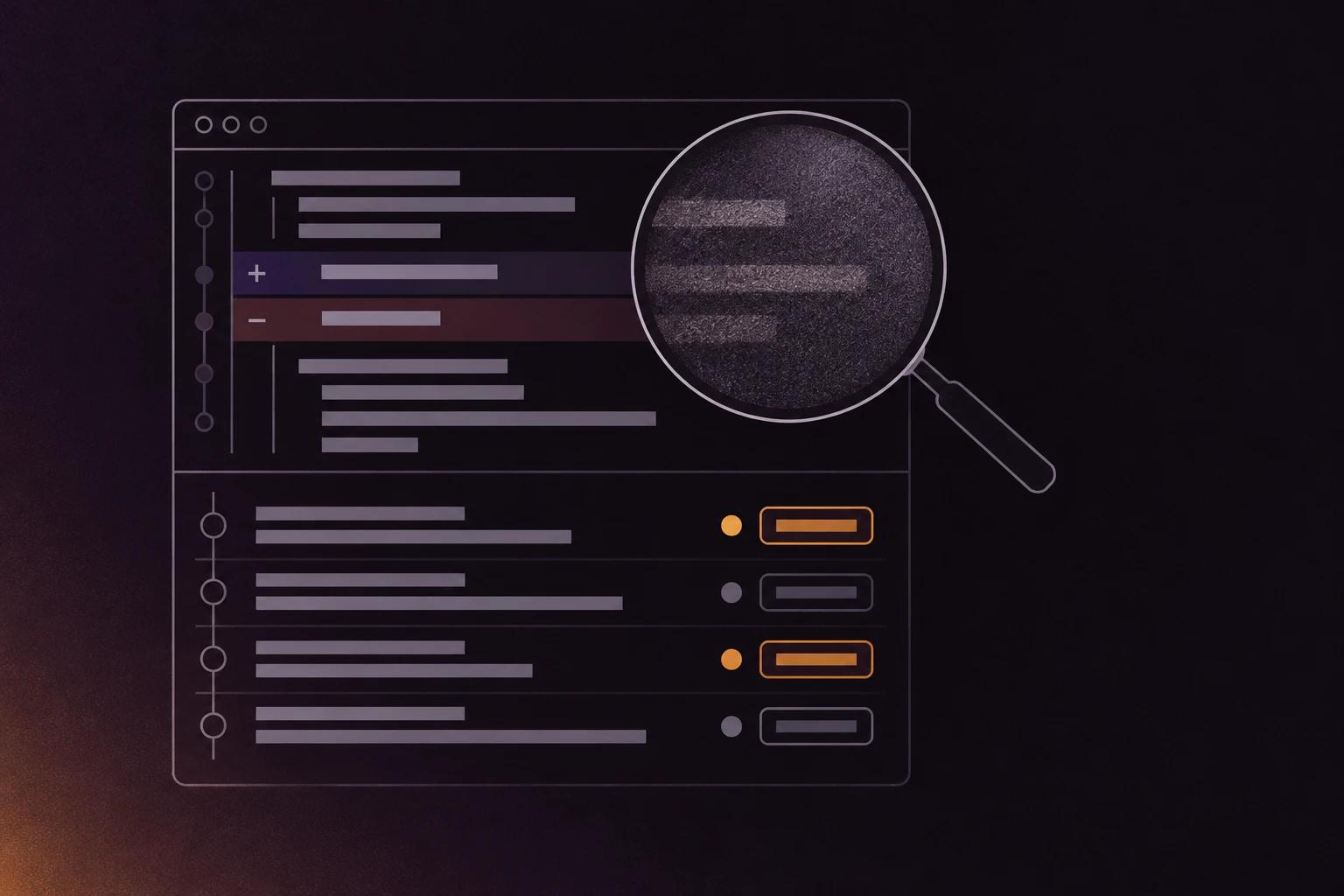
An AI code detector is a classifier that looks at a piece of code and scores how likely a model wrote it, based on style. It does not know who wrote the code. It compares the text to patterns it learned from labelled samples, so its answer is a probability about style, not a fact about authorship. For a single pasted snippet that is the best a tool can do. For a repository there is a better source: evidence that the commit history already holds.
Searches for "ai code checker", "ai code detection" and "detect ai generated code" are all the same question. The straight answer to "can you detect AI generated code" is: sometimes, from a signal that is easy to defeat.
How does an AI code detector work?
Most detectors are a text classifier. They are trained on a pile of human-written code and a pile of model-written code, then asked which pile a new snippet resembles. Some add statistical features borrowed from text detectors: how predictable each token is to a language model (perplexity), and how much that predictability varies across the snippet (burstiness). Model output tends to be smoother and more predictable than a person's.
The output is a percentage, often with a verdict such as "likely AI". Nothing in the process looks at a commit, an author, a tool or a session. The detector sees characters only, which is why every weakness below follows from the method.
Why do AI code detectors misfire on code?
Code is a poor fit for style detection because good code is supposed to be predictable. Several things push a human-written snippet toward an "AI" score and an AI-written one toward "human":
- Conventional code looks generated. A formatted, linted function that follows the idiom of its language is exactly what a model produces and what a careful engineer produces. Team style guides, formatters and linters flatten human variation on purpose.
- Short snippets carry little signal. A ten-line helper has few places for style to show. OpenAI's own text classifier was "very unreliable on short texts (below 1,000 characters)", and most functions are shorter than that.
- Trivial edits move the score. Renaming variables, reordering statements, adding a comment or running a formatter changes what a style model sees without changing what the code does. A student who wants to evade a checker needs minutes.
- Training data goes stale. A detector tuned to last year's model output meets this year's models, and people who learned to write like the tools.
- Wrong answers are expensive in both directions. Calling a person's work machine-made is an accusation. Missing machine-made work defeats the point of checking.
The best-documented cautionary tale is OpenAI's AI text classifier. Its launch post reported that it correctly identified 26% of AI-written text and labelled human-written text as AI 9% of the time on a challenge set, and the page now notes the tool was withdrawn on July 20, 2023 because of its low accuracy. That was prose, where a detector has far more to work with than it does on code.
Can you detect AI-generated code at all?
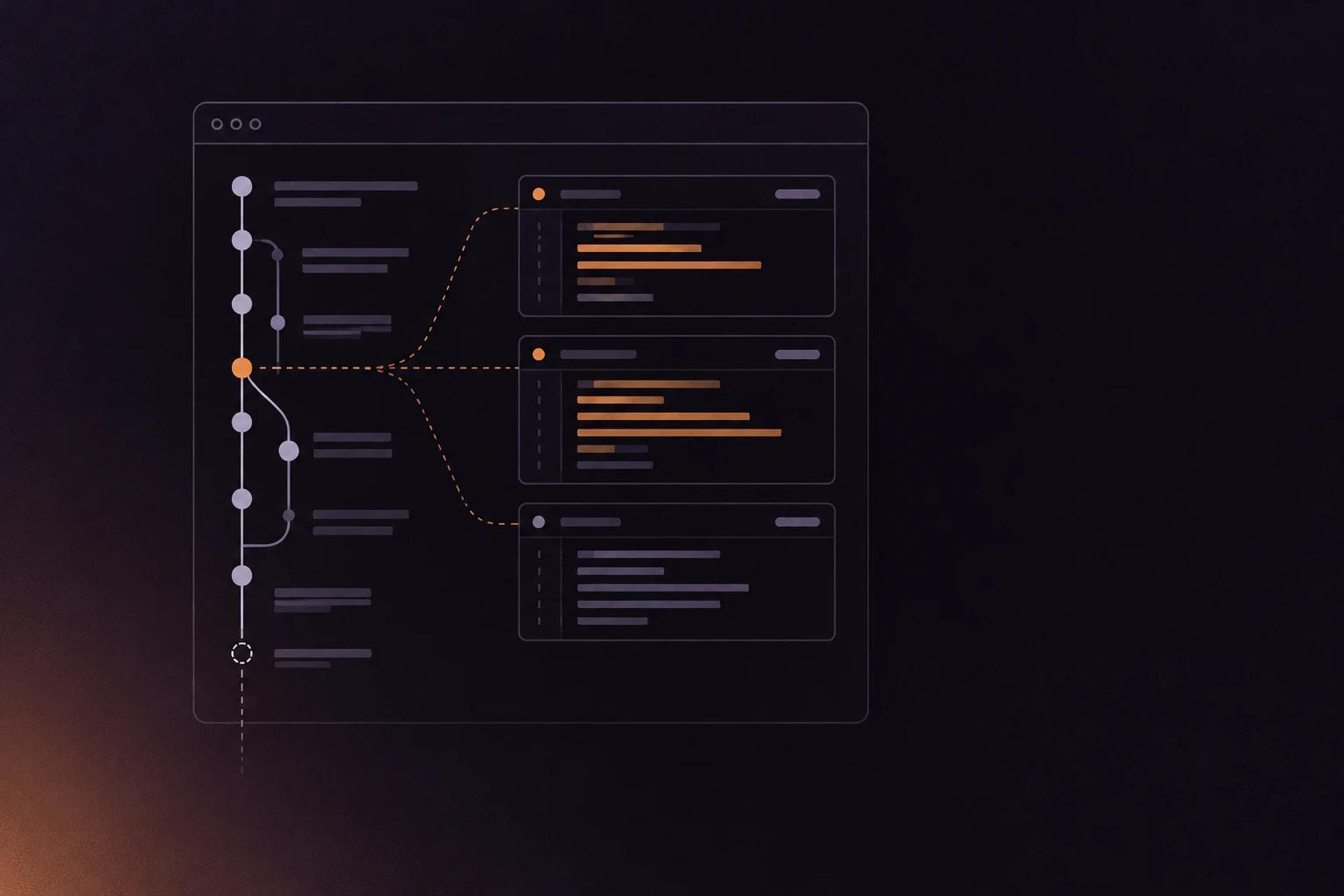
From the snippet alone you get a guess. From the repository you can get evidence. The same snippet that a classifier scores at 70% "AI" may sit in a commit whose message says Co-authored-by: Claude or whose author is copilot-swe-agent[bot]. That is a direct record, and it needs no guessing.
| Approach | What it reads | What it answers | Needs |
|---|---|---|---|
| Style detector | The text of a snippet | "Does this look like model output?" | Long, unusual code that still carries the model's style |
| Commit trailers and footers | The commit message | "Did the author or tool say an agent helped?" | Authors or tools that add them, kept through squash merges |
| Bot authors and service emails | The commit author and committer | "Did an agent account make this commit?" | Agents that commit under their own identity |
| Notes and trace files | refs/notes/ai, .agent-trace/traces.jsonl | "Did a tool record which lines an agent wrote?" | A tool that writes them |
| Edit-time capture | Line hashes recorded as the agent edits | "Which commits contain lines this agent wrote?" | Capture on while the agent edits |
Scroll the table sideways to see every column.
Each evidence-based row can be wrong in one direction only: it misses things. It does not invent an agent. A style detector can be wrong both ways.
When is a style detector still useful?
A style detector is a reasonable first signal when you have nothing else and the cost of a wrong answer is low. A teacher reading a stack of submissions can use a high score to decide which ones to look at more closely and to ask the student to walk through their code. A maintainer can use one to decide which pull request deserves a closer read. In both cases the score starts a conversation and does not end one.
It is not evidence you should act on alone, and it is a poor basis for a penalty.
The same goes for the questions people ask next. Whether ChatGPT reuses code it saw in training is a licensing and originality question, and a style score does not settle it. Plagiarism checkers such as Moss compare submissions against each other, so they find copies between students, and a freshly generated solution matches nothing. If you need to know where code came from, you need a record.
What to read in a repository: evidence, not style
Agents leave marks in the places git already stores. The reliable ones are:
- Trailers. A
Key: valueline at the end of a commit message.Co-authored-by:naming an agent service identity,Assisted-by:andGenerated-by:are the common ones. Claude Code adds aCo-Authored-Bytrailer by default. - Bot authors and service emails. Agents that work through their own account, such as
copilot-swe-agent[bot]ordevin-ai-integration[bot], commit under that name. - Footers. Exact phrases such as
Generated with Claude Code, or the(aider)suffix on the author name. - Notes and trace records. Authorship notes on
refs/notes/ai(the git-ai standard) and records in.agent-trace/traces.jsonl.
You can check a repository for the first of these with git alone:
# Commits whose message carries a Co-authored-by trailer naming an AI tool
git log -i -E --grep='^Co-authored-by:.*(claude|copilot|cursor|codex|aider)' \
  --format='%h %an  %s'

# How many commits is that, out of all of them?
git log -i -E --grep='^Co-authored-by:.*(claude|copilot|cursor|codex|aider)' --oneline | wc -l
git rev-list --count HEAD

# Every Co-authored-by value in use, most common first
git log --format='%(trailers:key=Co-authored-by,valueonly,separator=%x0A)' \
  | sed '/^$/d' | sort | uniq -c | sort -rn | head
The third command is the useful one on an unfamiliar repo. It shows which identities appear before you decide what to match. Be careful with bare names: a pattern like devin will also match a human contributor called Devin, so anchor to the service email or bot login where you can.
This finds what authors wrote down. It will not find a commit where the trailer was removed, a squash merge that dropped it, or an agent that leaves no marker. That is why a number from this method is a floor.
How repowise labels commits
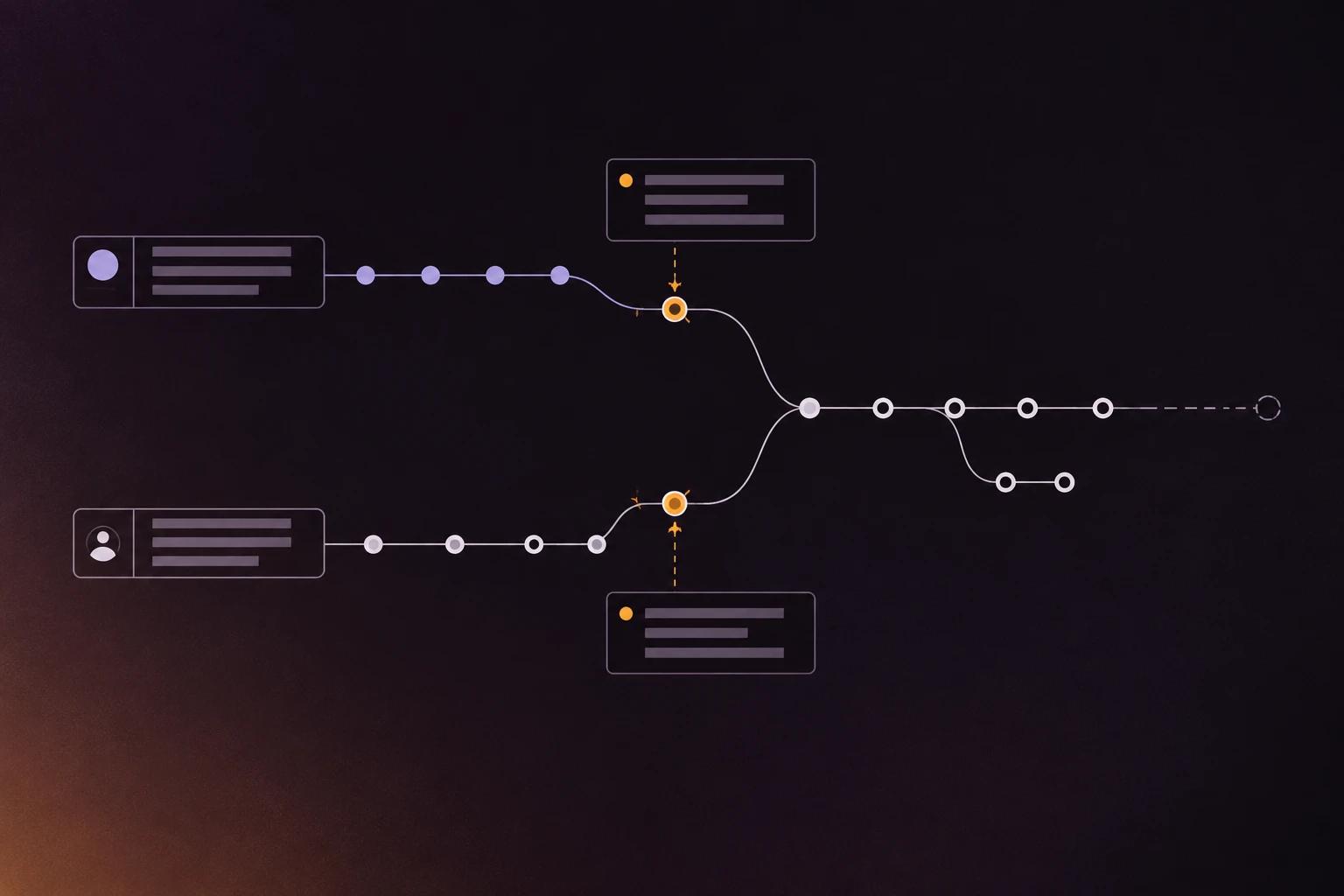
repowise reads the same markers during indexing and gives every commit one of three labels. The layer is described on the agent provenance feature page and in the agent provenance guide.
| Label | Meaning |
|---|---|
agent | A marker or a captured edit ties the commit to an agent |
human_attested | An explicit human record: a git-ai note naming only human authors, or an Agent Trace record whose contributors are all human |
unknown | No marker either way. Unknown is never counted as human |
Scroll the table sideways to see every column.
The last row is the important one. A commit with no marker is not declared human, because absence of evidence is not evidence. Every share is printed beside its coverage, the fraction of commits with a known source. A result reads like "at least 40% of covered commits, coverage 62%", and below 30% coverage repowise withholds the share and shows only the count.
By default this is local: it reads public markers from git history, with no network calls, no model and no prompts. Every pattern is anchored to a service identity (a bot login, a service email, an exact footer phrase), so a contributor called Devin stays unlabelled. If your team runs its own bot, you add it in .repowise/config.yaml:
agent_provenance:
  service_emails:
    mybot@example.com: {agent: mybot, tier: 1}
  footer_patterns:
    - {pattern: "Generated by MyBot", agent: mybot}
Opt-in capture for the agents you choose
Markers only exist if an agent or a person wrote them. Edit-time capture covers the rest: a hook records which lines an agent wrote as it writes them, so a commit can carry a label even when its message says nothing. It is off until both the repository config and your user config turn it on.
# .repowise/config.yaml and ~/.repowise/config.yaml
attribution:
  enabled: true      # read public markers
  capture: off       # off, local or notes
  agents: []         # e.g. claude-code, codex, cursor
Capture is available for Claude Code, Codex CLI and Cursor. The hook stores line hashes, the repo-relative path, an opaque session id, the tool and the model, never prompts or code. On the next repowise update, those hashes are matched to the lines new commits added, and a matched commit is labelled with the agent. An unmatched commit stays unknown.
Two modes decide what leaves your machine:
localwrites a gitignored sidecar under.repowise/attribution/and labels in the local index. Nothing leaves the machine.notesalso writes a git-ai note per matched commit onrefs/notes/ai, so teammates and other tools can read it. The note travels only when you rungit push origin refs/notes/ai. repowise never pushes.
The stricter setting wins when the repo and user files disagree, and enabled: false in either file means nothing about AI is stored or shown. repowise attribution status shows the effective values and the commits by label with coverage, and repowise attribution purge removes what repowise wrote.
What the label is for
The reason to want a detector is usually a question about risk: is the agent code the buggy code? We tested that on 112,382 commits and found no evidence that reviewed agent commits introduce more bugs than human commits in the same repo, which is covered in Is AI-written code buggier than human code?. So the more useful use of attribution is to look at where agent code sits: a change in a low-health file with one owner deserves a closer read whoever wrote it.
For the broader comparison of trailers, session recorders and inference, see AI code provenance: how to tell which code agents wrote. To go from a commit to the lines in it, git blame is the starting point, and the code quality guide covers the other signals a repository carries.
FAQ
- Can you detect AI-generated code?
- From a snippet alone, only as a guess based on style, and the guess is easy to change by renaming or reformatting. From a repository you can read direct evidence such as
Co-authored-bytrailers, bot authors, footers and notes. That evidence does not produce style-type false positives, though it misses code that left no marker. - Are AI code checkers accurate?
- Not reliably on code. Short, conventional, formatted code looks the same whoever wrote it, and small edits change the score. OpenAI withdrew its own AI text classifier in 2023 because of low accuracy, after reporting that it caught 26% of AI-written text and mislabelled 9% of human text on its challenge set. Treat a checker score as a reason to look closer, not as proof.
- Does ChatGPT plagiarize code?
- A model can reproduce code it saw in training, so output can resemble existing code and its licence can matter. Whether a given output is a copy is a question for a source comparison and a licence review, and a style-based AI code detector cannot answer it. Use a plagiarism or licence scanner for that.
- How do I find AI-written commits in git?
- Search commit messages for trailers with
git log -i -E --grep='^Co-authored-by:.*(claude|copilot)', and list the trailer values in use withgit log --format='%(trailers:key=Co-authored-by,valueonly)'. Also look at commit authors for bot accounts and atrefs/notes/aifor authorship notes. repowise does all of this during indexing and labels each commit. - Does repowise treat unmarked commits as human?
- No. A commit with no marker is labelled
unknown, and unknown is never counted as human. The share of AI commits is shown only with its coverage, and it is withheld below 30% coverage. - Does repowise send my code anywhere to label commits?
- No. Reading markers from git history runs locally with no network calls and no model. Edit-time capture is off by default, stores line hashes and never prompts or code, and a note leaves your machine only if you push
refs/notes/aiyourself.