On this page
Run repowise publish inside a repository you cloned from GitHub, and it prints an MCP URL you can add to Claude.ai or ChatGPT as a custom connector. repowise.dev clones the repo from GitHub itself and indexes it, so nothing is uploaded from your machine and only pushed code is published. Once the index is ready, any chat with the connector turned on answers questions about your code from your actual files.
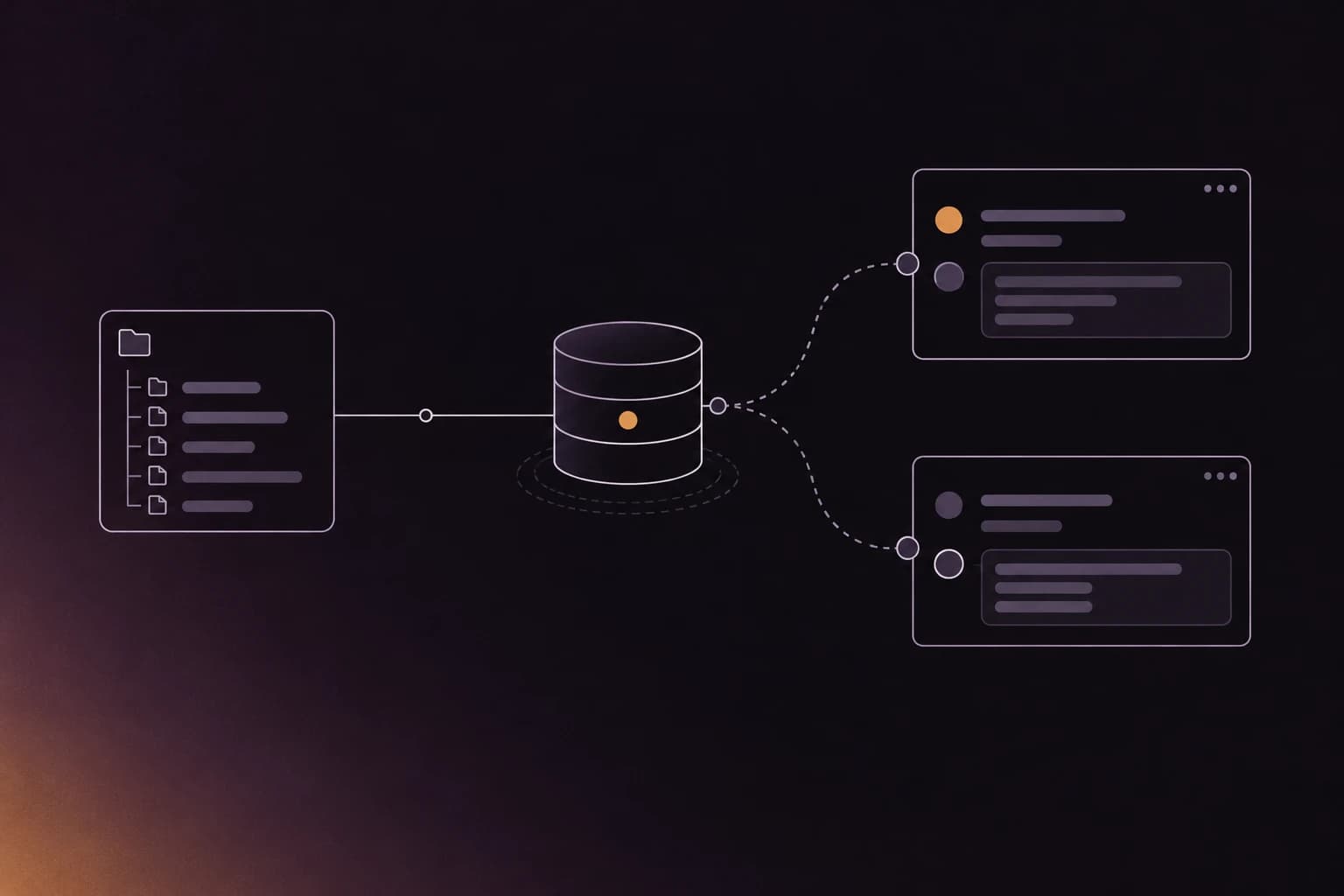
Claude Code and Codex read a repo on your laptop. A chat window on your phone, or the ChatGPT account a teammate uses, cannot. A remote MCP server closes that gap: the chat calls tools over HTTPS, and the tools read an index of your repo.
What repowise publish does
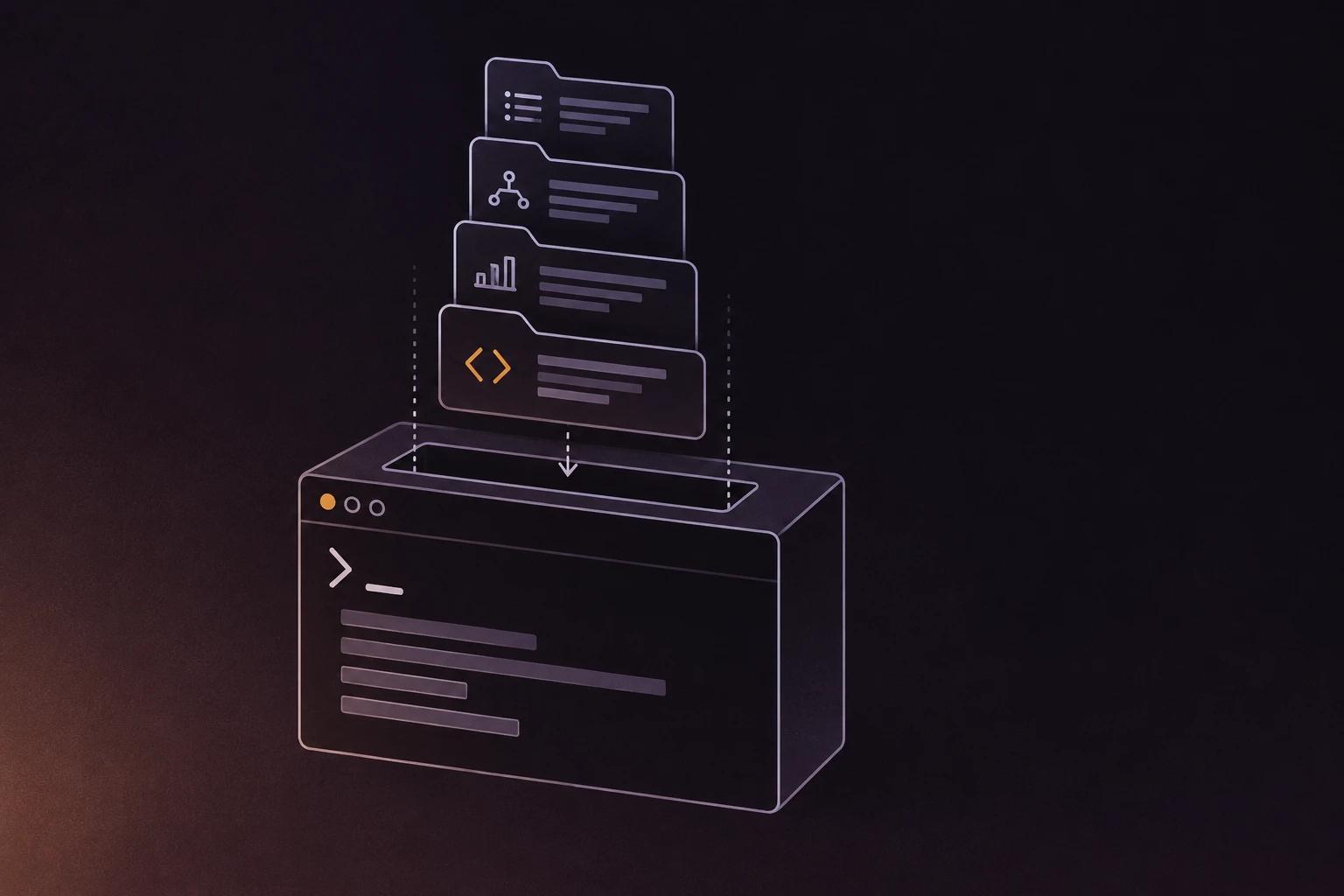
repowise publish turns a local clone into a hosted, queryable index with one command. It runs five steps.
- Reads your GitHub remote. It takes
origin, derivesowner/name, and picks the branch you are on. If that branch is not pushed, it uses the default branch. - Signs you in if needed. Publishing needs a free repowise.dev account. Signed out, the command opens the normal browser sign-in first.
- Asks repowise.dev to index the repo. The hosted indexer clones from GitHub and builds the same index the open-source CLI builds locally.
- Opens the indexing page. A hosted index usually takes about 10 minutes, longer for large repos.
- Prints the repo page and the MCP address, which looks like
https://api.repowise.dev/mcp/<owner>/<name>.
The output ends with a reminder that only pushed code is published. Uncommitted work never leaves your machine, because the server only ever sees what GitHub has.
uv tool install repowise      # or: pipx install repowise
cd your-repo
repowise publish
You need repowise 0.55.0 or later; the current release is 0.56. publish works without a local index. If you already indexed locally, that index stays on your machine and keeps serving Claude Code.
| Flag | Effect |
|---|---|
--ref <branch> | Publish a branch or tag other than the one you are on |
--no-open | Skip opening the indexing page in the browser |
--format json | Print the result as one JSON object for scripts; never starts a browser sign-in |
Scroll the table sideways to see every column.
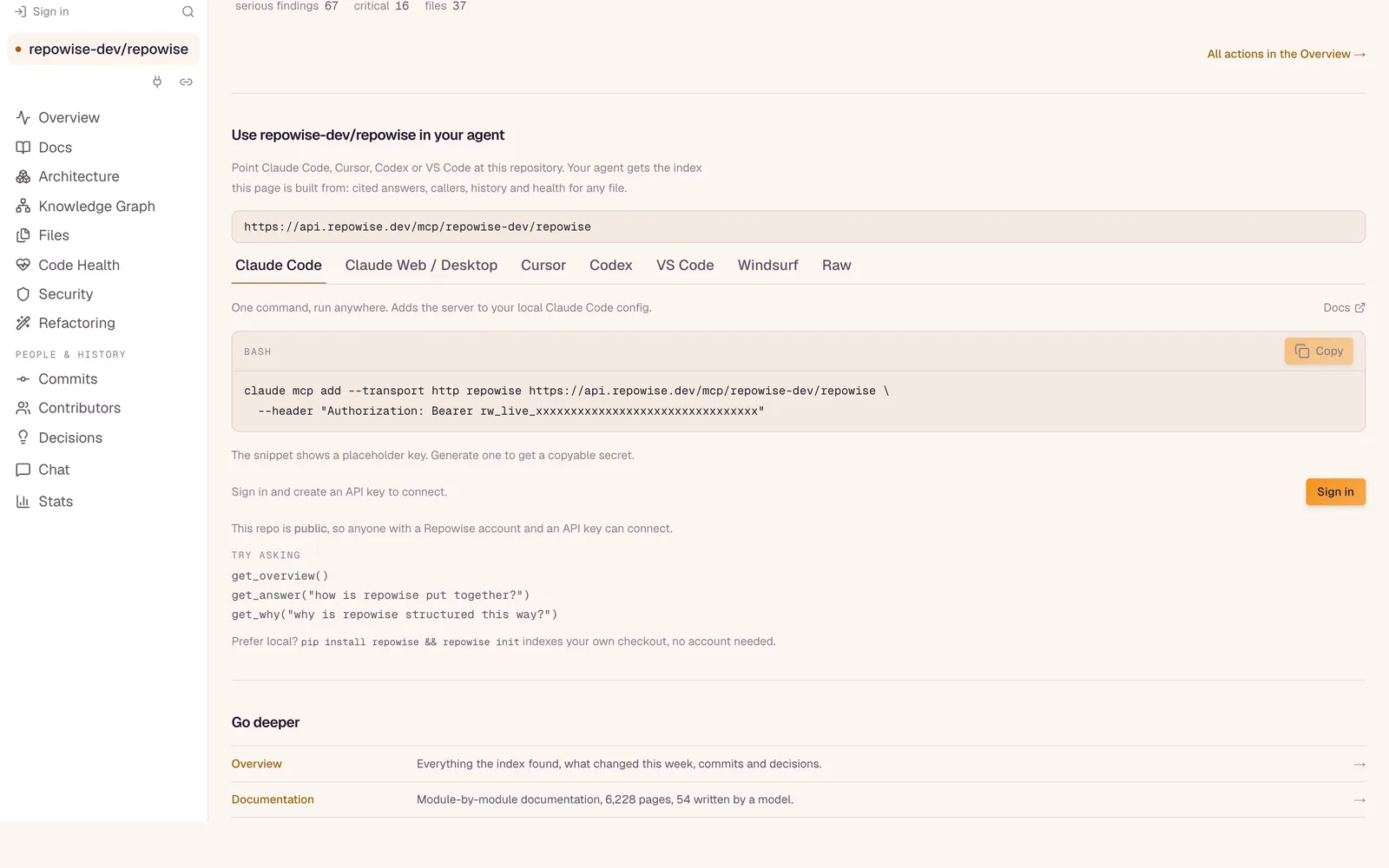
Once indexed, the repo page shows the same MCP URL with a tab per client.
How do you add the connector to Claude.ai?
In Claude.ai, add the URL as a custom connector under Customize, then Connectors. Anthropic documents the flow in Get started with custom connectors using remote MCP (checked October 2026).
- Open Customize, then Connectors, then + Add, then Add custom connector. On Team and Enterprise plans an owner adds it under Organization settings, then Connectors, and members then connect it from their own Connectors page.
- Paste
https://api.repowise.dev/mcp/<owner>/<name>as the server URL. - Continue, add the connector, then click Connect and approve the repowise sign-in window.
Claude.ai signs in over OAuth, so there is no key to copy. Once connected it works in the web and desktop apps and on mobile. Ask something real: "where does this repo handle webhook retries?" or "what breaks if I change the User model?". The walkthrough for Claude Code, Cursor, VS Code and Windsurf is in connecting your IDE.
How do you add it to ChatGPT?
ChatGPT reaches remote MCP servers through custom connectors, which sit behind developer mode on paid plans. In ChatGPT, open Settings, then Connectors, turn on developer mode under Advanced, choose Create, paste the same URL and pick OAuth. Approve the repowise sign-in when it opens. Menu names and which plans include custom connectors change, so check OpenAI's current developer mode documentation for your plan.
What can the chat do with your repo?
The connector gives the model repowise's ten MCP tools, run against the hosted index. In plain terms, the chat can:
- Get an overview of how the repo is laid out (
get_overview). - Search by meaning and by exact text (
search_codebase), and answer a question with citations (get_answer). - Pull context for a file, function or class: what it does, what calls it, what it calls (
get_context,get_symbol). - Score a change before it ships (
get_risk,get_change_risk). - Report code health and dead code (
get_health,get_dead_code). - Explain why something is built the way it is, from decisions found in commits, pull requests and docs (
get_why).
The last one answers questions the code alone cannot. "Why is this a queue and not a cron job?" is often settled in a pull request description from two years ago, and get_why finds it. The full tool list is in the MCP tools reference.
What happens when publish says no
Every refusal names the next step, so you are never left guessing.
| Situation | What happens |
|---|---|
| Private repo, free account | Sends you to the repo page, which walks through starting Pro, installing the GitHub App, then the index |
| Private repo, Pro, no GitHub App | Links the GitHub App install |
| Already two repos on a free account | Links the Pro upgrade, which lifts the repo limit and allows private repos |
| Repo too large | Free indexes repos up to 250 MB, Pro up to 5 GB |
| No GitHub remote | Nothing is published. Push the repo to GitHub first |
| Ten index requests in a day | Try again tomorrow |
Scroll the table sideways to see every column.
If the repo is already indexed at the current commit, publish returns the page and MCP address immediately. If it is a popular public repo repowise already keeps up to date, it links the existing page.
What does it cost?
Public repos are free, up to two per account. That covers the generated docs, code health, the dependency graph and the connector. As of October 2026, most connector tools read the index and use no model. The few that call a model on our side, such as get_answer, draw from the ten free AI answers a month. Your own Claude or ChatGPT chat still does its own reasoning on top.
Private repos need Pro, $15 a month or $12 a month billed yearly, which also adds full git history (free covers the most recent 500 commits). See the pricing page for current plan details and trial.
Try it on your repo
cd your-repo
repowise publish
To see what a connected repo feels like first, paste any public GitHub URL into repowise.dev. For private repos, and how a remote server compares with built-in GitHub connectors, read connecting ChatGPT or Claude.ai to a private GitHub repo. For agents without a chat window, see codebase context for AI agents and the AI context feature.
FAQ
- Does repowise publish upload my code from my machine?
- No. It sends repowise.dev the GitHub URL and branch, and the hosted indexer clones the repo from GitHub. Only code you have pushed is published; uncommitted changes stay local.
- How long does indexing take?
- Usually about 10 minutes for a hosted index, and longer for large repositories.
repowise publishopens the indexing page so you can watch progress, or you can pass--no-openand check the repo page later. - Can I connect a private repository?
- Yes, on Pro. Private repos need the repowise GitHub App installed so repowise.dev can clone them. On a free account,
publishpoints you to the repo page, which walks through the upgrade and the GitHub App. - Do I need an API key for Claude.ai or ChatGPT?
- No. Both sign in over OAuth when you connect the custom connector. API keys are for clients that take a header, such as Claude Code, and you create them on repowise.dev.
- Which branch gets indexed?
- The branch you are on, if it is pushed to GitHub. Otherwise the repo's default branch. Use
--refto publish a specific branch or tag. - Does it work with Claude Code and Cursor too?
- Yes. The same MCP URL works in Claude Code, Cursor, Codex, VS Code and Windsurf. The repo page on repowise.dev shows a ready-to-copy snippet for each, and a local
repowise initindex keeps working alongside it.