On this page
MCP (Model Context Protocol) is an open standard that lets an AI application call tools and read data from an external system through one common interface. A codebase MCP server uses it to give a coding agent the structure of your repository, so the agent asks for what it needs instead of guessing from the files you pasted.
Part of the AI Context & MCP guide. For the wider picture, see giving AI coding agents real codebase context.
What is the Model Context Protocol?
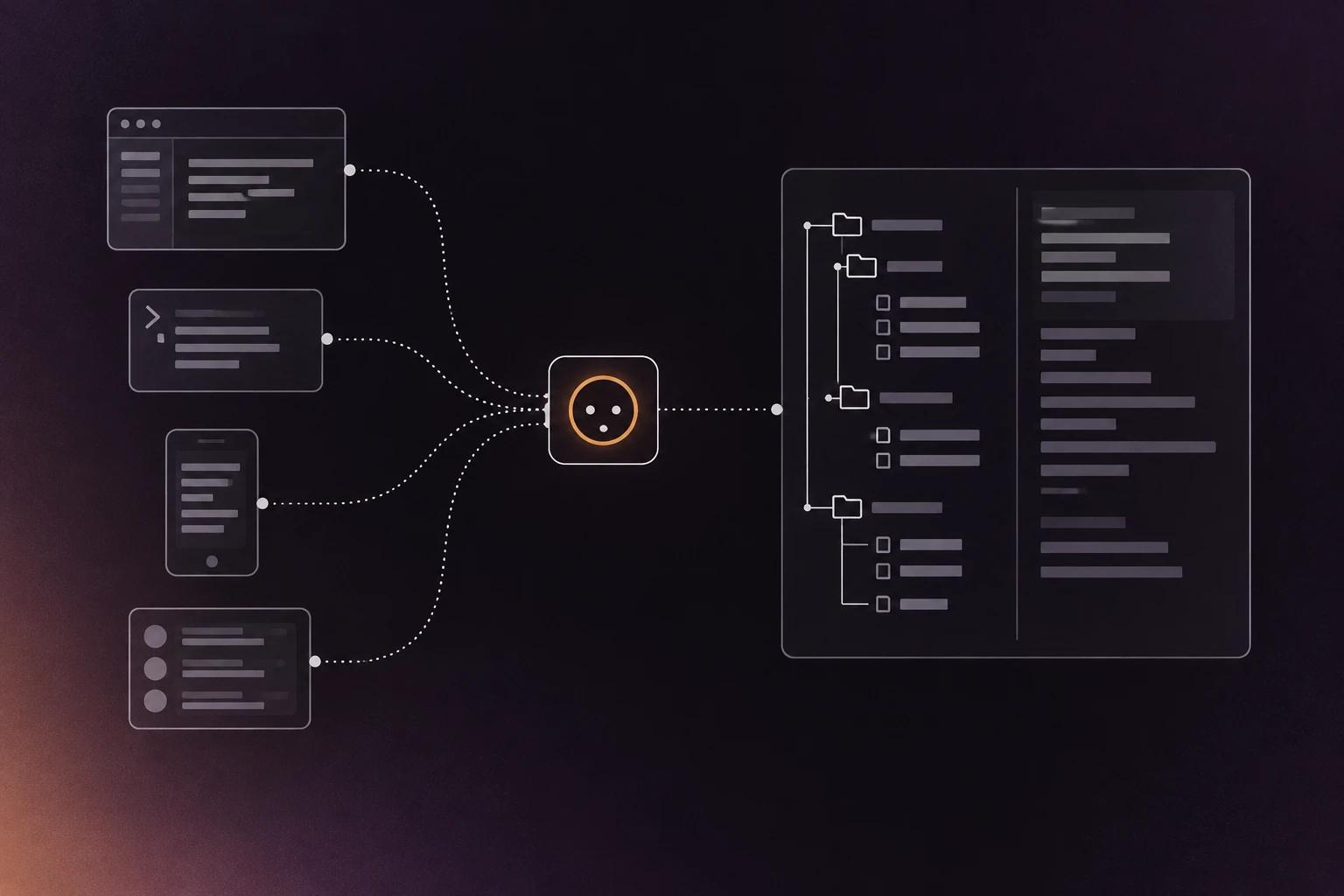
The Model Context Protocol, introduced by Anthropic and now an open-source standard, connects AI applications to external systems: data sources, tools and workflows. Its own documentation compares it to a USB-C port for AI applications. One connector shape replaces a custom integration for every client and system pair.
Before MCP, giving Claude access to your database and Cursor access to your ticket tracker meant two integrations per system. With MCP you write one server. Claude, ChatGPT, Visual Studio Code, Cursor and other clients that support the protocol can all use it.
How does MCP work?
MCP is a client and server protocol over JSON-RPC. The client lives inside the AI application and the server exposes capabilities.
| Part | What it is | Example |
|---|---|---|
| Host and client | The AI application and its connector to one server | Claude Code, Cursor, Codex |
| Server | A process that exposes capabilities | repowise mcp |
| Tools | Functions the model can call, each with a name, a description and a JSON schema | search_codebase |
| Resources | Data the model can read | A schema or a document |
| Prompts | Reusable templates a server offers to the user | A pull request review prompt |
Scroll the table sideways to see every column.
The tool description is what tells the model when to call it, and the schema tells it how. The model decides to call a tool, the client runs it, and the result returns to the model as context.
Which transports does MCP use?
The current specification defines two standard transports. stdio has the client launch the server as a subprocess and exchange newline-delimited messages over standard streams: no network port, no configuration, the usual choice for local servers. Streamable HTTP sends each message as an HTTP POST to one endpoint and suits shared, remote servers. Older clients may still use the legacy SSE transport.
Why does a codebase need an MCP server?
An agent with only the open file and a grep guesses at imports, misses callers in other modules and cannot see why code was written the way it was. Pasting more files does not fix that: it costs tokens on every question, goes stale on the next commit and buries the relevant lines.
A codebase MCP server answers specific questions from an index. Three things change for the agent:
- Investigation replaces guessing. The agent calls a search or symbol tool and checks its assumption against the live repository.
- Context is structured. The reply carries the dependency graph, ownership, recent changes and risk, not just file text.
- One source of truth serves every client. The same server backs a terminal agent, an editor and a CI job.
What does repowise expose over MCP?
repowise indexes the dependency graph, git history, generated docs, decision records, health and dead-code analysis, then serves it as ten tools. None of them edits your code. The full argument reference is in the MCP tools documentation.
| Tool | The question it answers |
|---|---|
get_overview | What is this repository: structure, entry points, modules? |
get_answer | How does X work, or where does Y live? One cited answer with a confidence rating. |
get_context | What is this file, module or symbol, who depends on it, and how does it change? |
get_symbol | What is the exact, live-verified source of this one definition? |
search_codebase | Where does this identifier, literal or concept appear? |
get_why | Why is the code shaped this way: decisions, history, rationale? |
get_risk | How risky is changing these files, given churn, ownership and reach? |
get_change_risk | How risky is this commit or diff range before it merges? |
get_health | What are the code health scores and findings for these files? |
get_dead_code | Which files, exports and packages are unreachable? |
Scroll the table sideways to see every column.
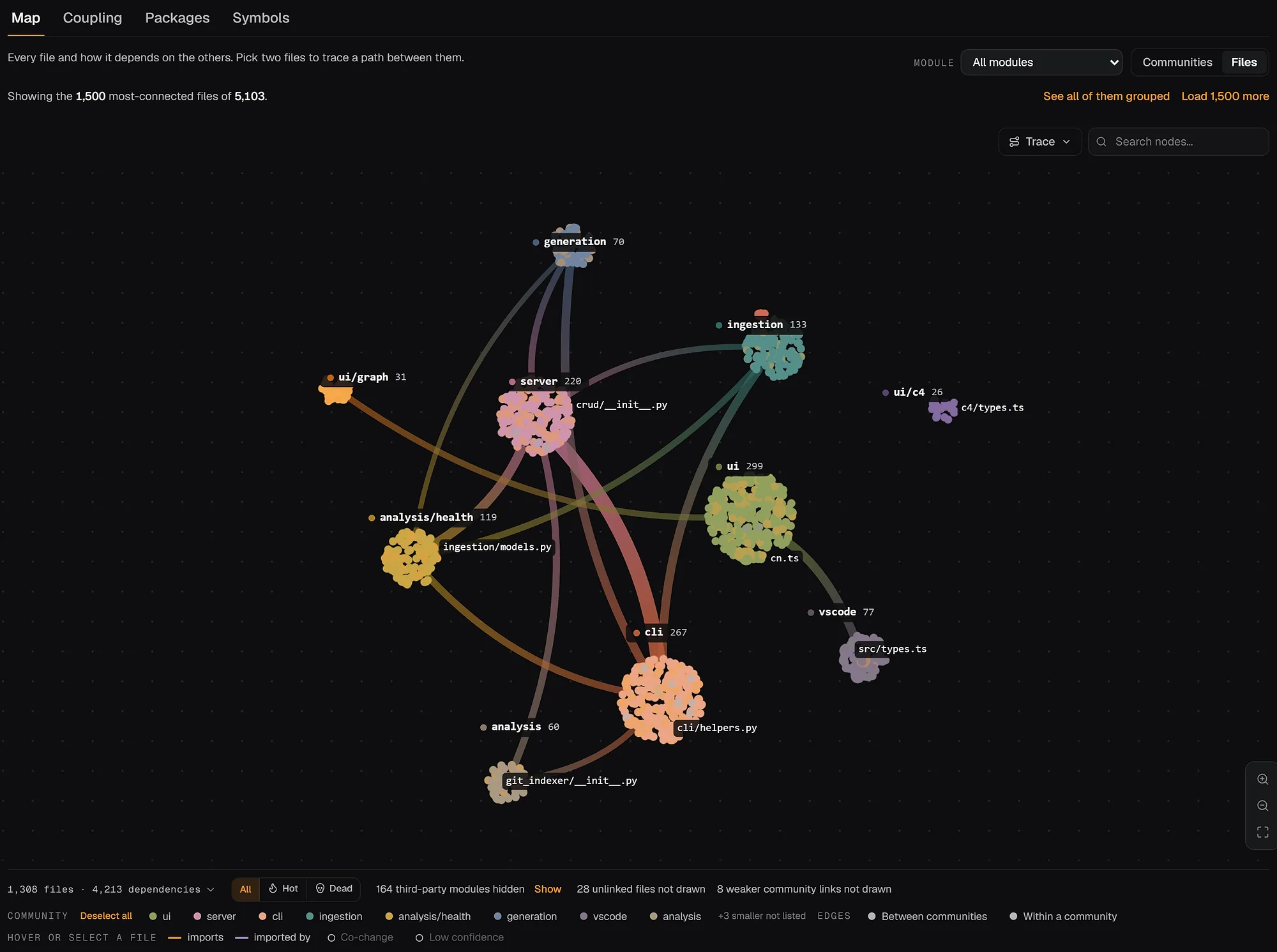
A typical session starts with get_overview to orient, uses get_answer and search_codebase to find the right place, reads one definition with get_symbol, then checks get_risk before editing. Each response includes a _meta envelope that says whether the index is current, so the agent knows when to refresh it. You can see this data on a real repository in the FastAPI docs.
How do you set up a codebase MCP server?
Install, index and register. Indexing with --no-prose builds the structural wiki, graph and health scores with no API key.
pip install repowise
repowise init --no-prose
repowise init registers the server with Claude Code and installs its hooks; repowise init --codex writes project-local Codex configuration. For any other client, repowise mcp . prints the configuration to paste. A typical client entry looks like this:
{
  "mcpServers": {
    "repowise": {
      "command": "repowise",
      "args": ["mcp"]
    }
  }
}
For a shared server, start it over HTTP:
repowise mcp --transport streamable-http # port 7338
Restart the client and the tools appear in its tool list. To keep the tool surface small, set mcp.tools: lean in .repowise/config.yaml; see the architecture overview for how the pieces fit.
MCP versus RAG and long context
MCP is a protocol, RAG is a technique and long context is a model property, so they combine rather than compete. A server can run retrieval inside a tool, as search_codebase does, and also return graph and history data that text retrieval cannot produce. Long context still pays for every token on every question; a tool call returns only what the question needs. The measured effect on agent tasks is published on the benchmarks page.
FAQ
- Is my code sent to a third party?
- The repowise MCP server runs on your machine over stdio, and the index stays local. What reaches a model provider is the tool output your client includes in its prompt, which is the same trust boundary as any file you let the agent read.
- Does MCP work with local models?
- Yes, if the client application supports MCP. The protocol is independent of the model, so a client built on a local runtime can use the same servers.
- How is MCP different from a plugin or an API?
- An API is specific to one service, and a plugin is specific to one host. MCP standardizes the layer between hosts and services, so one server works across hosts and a host can add any server without custom code.
- Can I connect more than one MCP server?
- Yes. Most clients load several servers at once, for example repowise for your code and others for tickets or a database.
- Which clients support MCP?
- Claude, ChatGPT, Visual Studio Code, Cursor, Codex, Cline, Windsurf and others, according to the MCP documentation and each vendor's docs as of October 2026.