On this page
Codebase intelligence is a model of a repository that is built once, kept current as the code changes, and queried by people and coding agents instead of re-reading the code. It holds the code parsed into a graph of what calls what, the git history of who changed what and what broke, docs, the decisions behind the design, and health scores. Some vendors call the same idea repository intelligence or code intelligence.
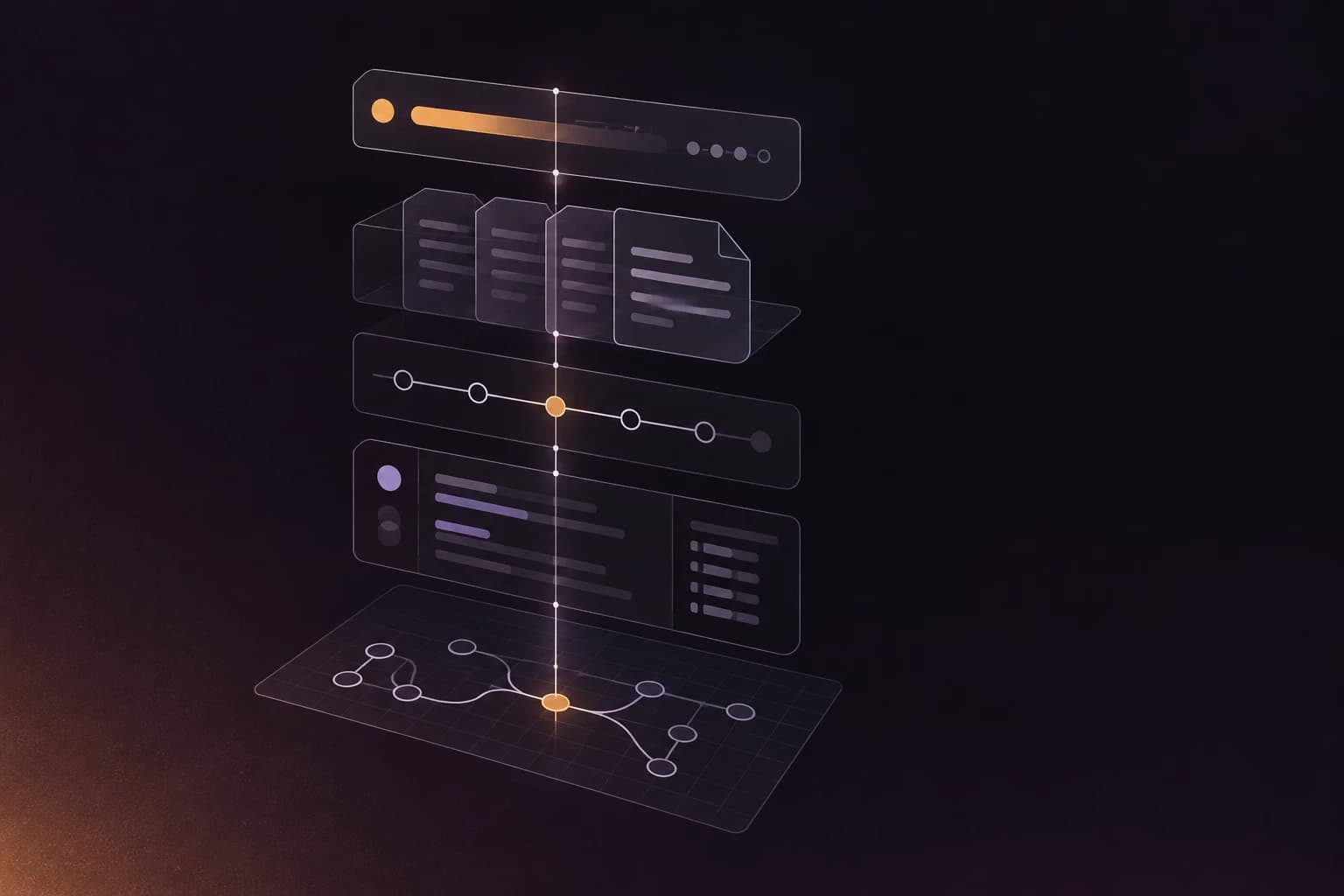
| Layer | What it holds | The question it answers |
|---|---|---|
| 1. Code graph | Files, symbols, imports and calls | What calls this, and what does it call? |
| 2. Git history | Churn, authors, bug fixes, files that change together | Who knows this, and what tends to break? |
| 3. Docs | A page per module and file, searchable | What does this part do? |
| 4. Decisions | Architectural decisions tied to the code they govern | Why is it built this way? |
| 5. Health | Scores and findings per file, change risk | What should we fix first, and what will this change do? |
Scroll the table sideways to see every column.
Why a codebase needs a model
A codebase is more than its source files. The rest lives in git log, in a pull request from 2023 that explains an odd retry loop, and in the head of one senior engineer who is, statistically, on holiday. Each new engineer rebuilds that picture by hand, one question at a time. Each coding agent rebuilds it too, from zero every session, and pays for it in tokens.
Codebase intelligence is the engineering answer: build the model once, store it, update it when the code changes, and let everyone query it. Most of the work is parsing and counting, which is a good thing, because parsing and counting can be checked.
The five layers
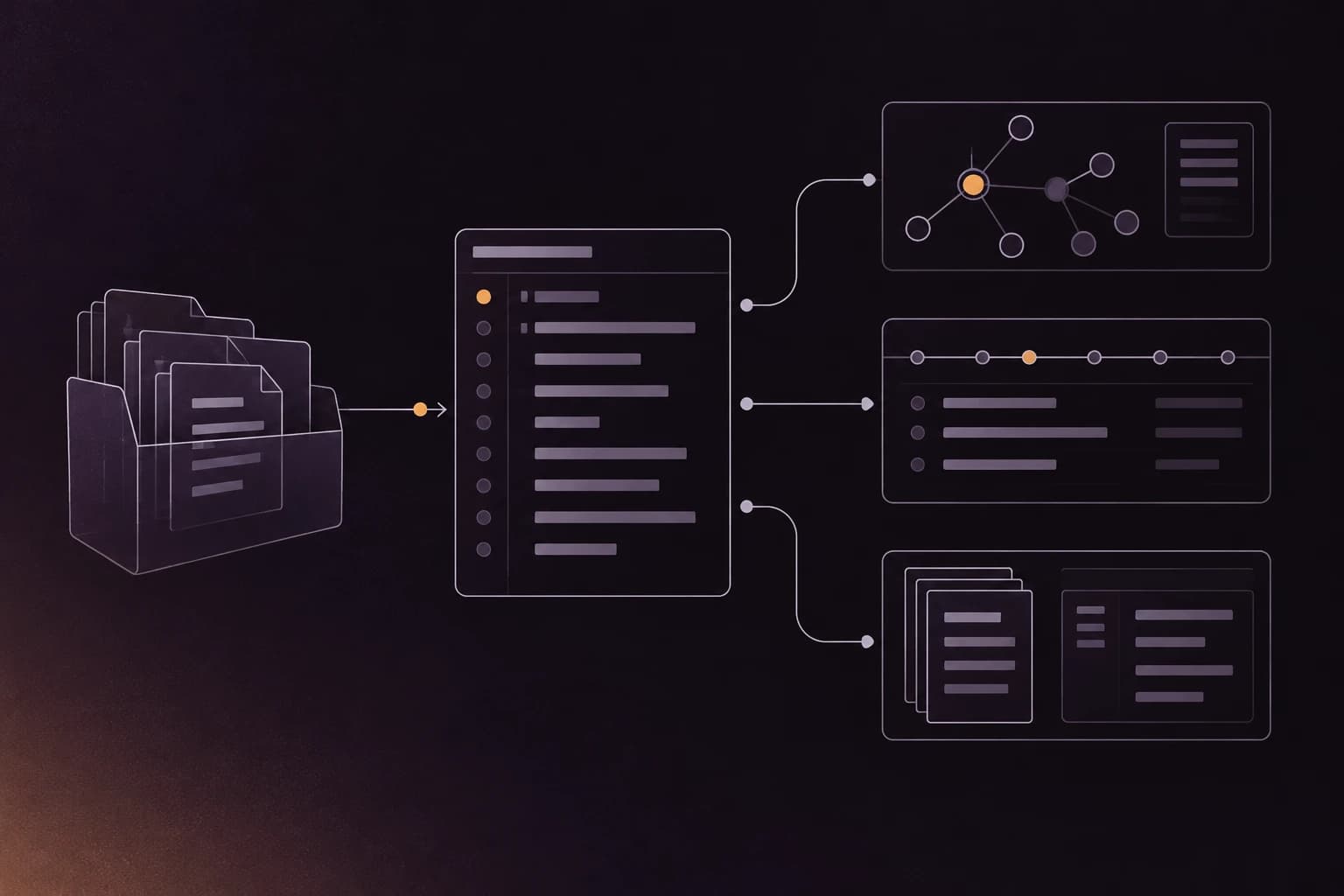
Source code and git history are the two raw inputs; the layers are what you can build on them. The graph and history feed docs, decisions and health, and a delivery step hands all of it to people and agents. The layer map in the repowise docs is the one we follow here.
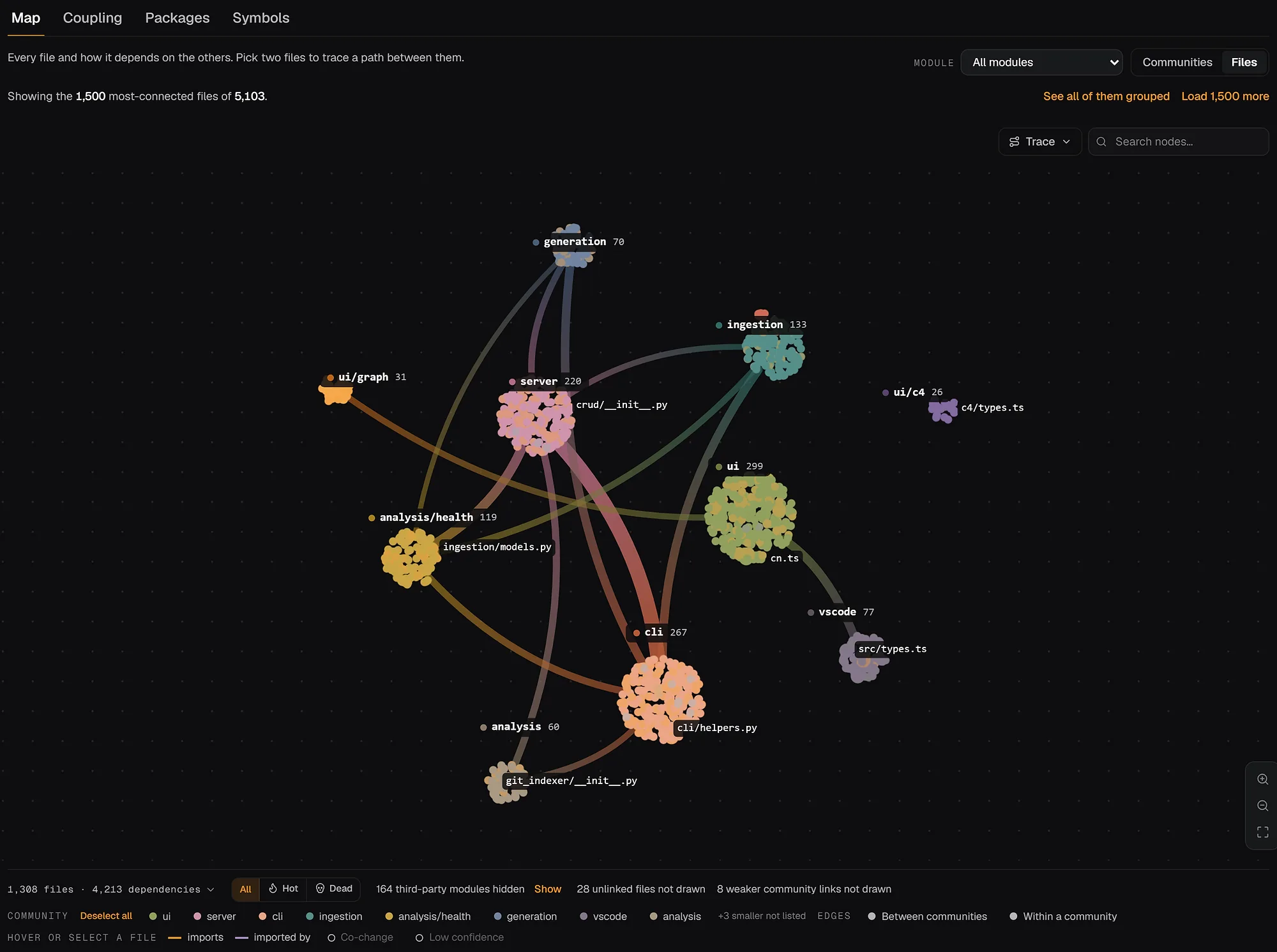
1. The code graph
The code graph is every file, symbol, import and call in the repository, parsed from syntax trees. It answers "what calls this" and "what breaks if I change it". Quality varies a lot by language and by tool, so a good graph says how each edge was resolved and how far to trust it. repowise parses 27 languages to a full AST and stamps each call edge with its resolution origin and a confidence. The dependency graph guide shows how one is built.
2. Git history
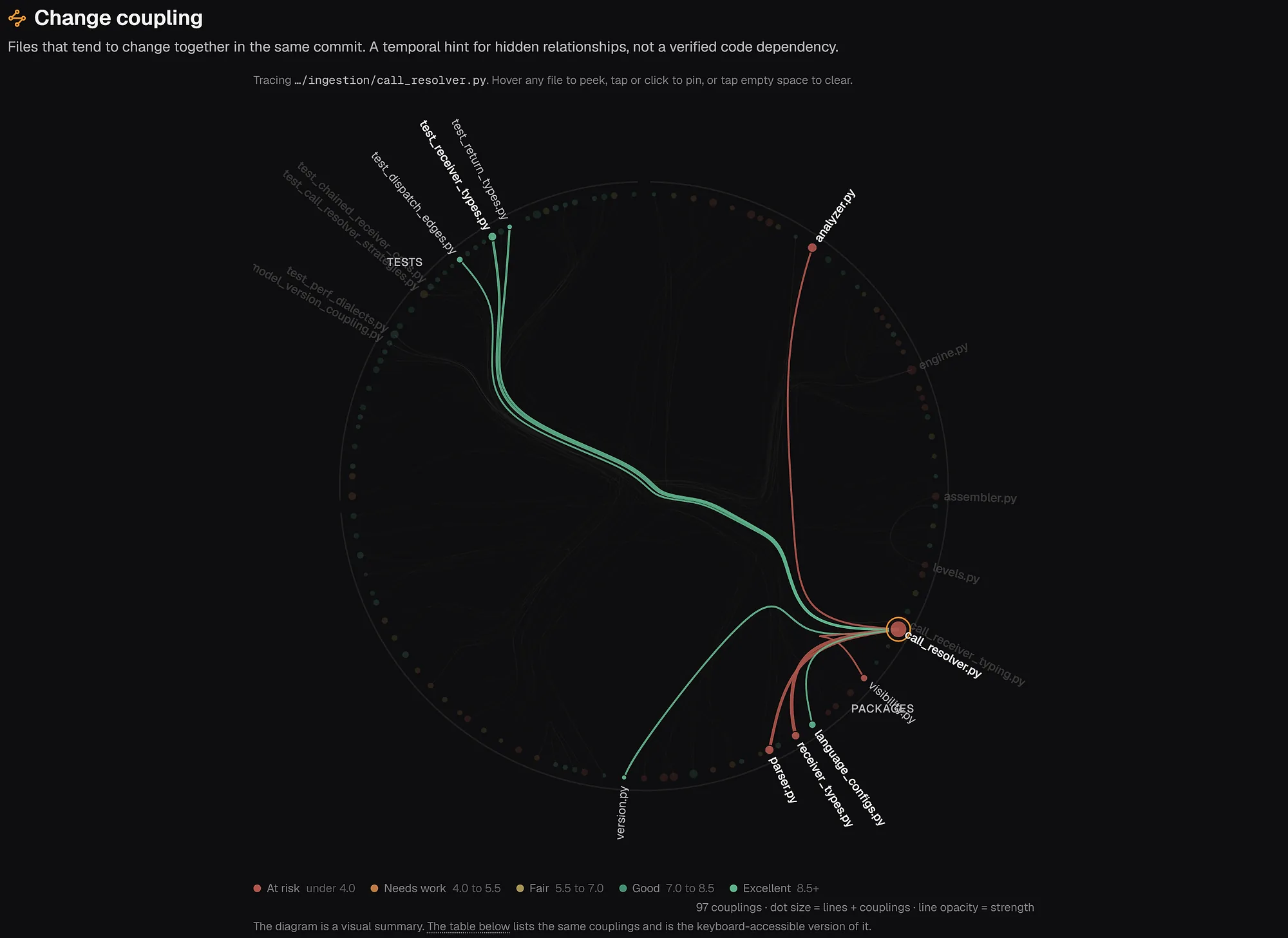
Git history records how the code got that way: who wrote the lines that survive, which files change constantly, which keep getting bug fixes. It also shows files that change in the same commit although neither imports the other. That co-change coupling is invisible to a code graph. The git intelligence guide covers each signal.
3. Docs
With a graph and a history you can generate a page for every module and file: what it does, what it depends on, who owns it, what changed recently. The skeleton comes from the code, so pages rebuild when the code moves instead of going stale like a wiki page written once. A model can add prose on top. See the docs generation guide.
4. Decisions
The decisions layer records why the code is shaped this way. It finds architectural decisions in ADR files, # WHY: comments, and commit and pull request history, ties each to the code it governs, and flags it when the code drifts away. It keeps a new engineer, or an agent, from undoing a choice that was made on purpose.
5. Health
Health turns the graph and history into a ranked list of what to fix. repowise scores every file from 1 to 10 with deterministic detectors for defect risk, maintainability and performance, and the same machinery rates a change before it merges. The test of any health score is whether it points at files that get bugs. In our evaluation, health ranked files that were bug-fixed over the next six months with a ROC AUC of 0.74 (n = 2,826 · 21 repositories, 9 languages, 2,826 files · 2026-08). Method and caveats are on the benchmarks page, and the technical debt tools comparison shows how other tools approach it.
Delivery to people and agents
The model only helps if it answers where the question is asked. For people that is a browser, a pull request comment or an editor panel. For coding agents it is MCP, the Model Context Protocol, a standard way for an agent such as Claude Code or Cursor to call tools. repowise exposes ten MCP tools by default (get_answer, get_context, get_symbol, search_codebase, get_risk, get_change_risk, get_why, get_overview, get_health, get_dead_code), so an agent makes one call and gets an answer with file paths instead of opening twenty files. See codebase context for AI agents and what is MCP.
Codebase intelligence vs code search
Code search finds text and symbols that are written in the files; codebase intelligence answers questions whose answers are not written anywhere. Search is fast and exact: every place a string appears, every definition of a function. For many jobs it is all you need.
Codebase intelligence covers who knows this module, what else changes when this file changes, which of 400 files to fix first, and why it was built this way. Those answers need history and structure, which a better text index cannot supply. Most teams want both, and the Sourcegraph alternatives guide splits the search side by job.
A tool map
Most tools are excellent at one or two layers, which is often the right choice. Descriptions below come from each tool's own site as of October 2026.
| Category | Good at | Example | Layers |
|---|---|---|---|
| Code search | Finding text and symbols across repos | GitHub code search; Sourcegraph (Code Search, agentic Deep Search, an MCP server; "the context layer for your entire codebase") | Graph (partly), delivery |
| Agent code tools | Symbol-level navigation and editing for an agent | Serena (language-server based, MCP) | Graph, delivery |
| Docs from code | A readable wiki and diagrams for a repo | DeepWiki (public GitHub repos) | Docs, delivery |
| Code health from history | Prioritising technical debt with git behaviour | CodeScene (CodeHealth metric, behavioral code analysis, a CodeHealth MCP server in early access) | History, health |
| Static analysis and gates | Rules enforced in CI | SonarQube (free Community Build) | Health |
| All layers in one index | Graph, history, docs, decisions and health together | repowise (open source AGPL-3.0, self-hosted or hosted; web, PR bot and MCP) | All five |
Scroll the table sideways to see every column.
repowise keeps all five layers in one index, so a question that sits between layers, such as "which hotspot has no recorded decision and one remaining owner", is one lookup instead of three. You can also assemble a good version from a search tool, a history tool and a static analyser, and plenty of teams do. For agent-context tools head to head, see the repository intelligence buyer's guide.
Try it on a real repository
The shortest way to see the layers is to run them on your own code. From the repository root:
pip install repowise
repowise init
repowise ask "what breaks if I change the payment module?"
repowise serve
repowise init parses the code and reads the history once, with no API key needed for the structural layers, and a post-commit hook keeps the index current. repowise serve opens the dashboard. To see the same index without installing, paste a public GitHub URL on the homepage. Two worked examples: a first-week checklist for learning a new codebase and a technical due diligence audit on Flask.
How we wrote this
The definition and layers are ours, written plainly; the term is used in slightly different ways across the industry. Product details come from the repowise layer docs for release 0.56. Tool descriptions come from each vendor's own page as of October 2026, and each tool may do more than the one line here.
FAQ
- What is repository intelligence?
- It is another name for the same idea: a model of a whole repository, including structure, history and decisions, that tools and agents can query. Vendors say repository intelligence, codebase intelligence or code intelligence. The test is the same: can it answer questions that need more than one file?
- Is codebase intelligence the same as code search?
- No. Code search finds text and symbols that are written in the files. Codebase intelligence also answers questions whose answers are not written anywhere, such as who knows a module, what changes together and what to fix first. Many teams use both.
- Do coding agents need codebase intelligence if they can grep?
- On small repositories grep is fine. On large ones the agent spends many tool calls and tokens rediscovering structure it could ask for, and it cannot see history at all. An index gives it the graph and history in one call.
- Does codebase intelligence need an LLM?
- Not for most of it. Parsing, the graph, history, health and dead code are deterministic: the same code gives the same answer. A model helps write readable docs and answer questions in plain language on top of that evidence.
- How is it different from static analysis?
- Static analysis applies rules to the code as it is now and is excellent at catching specific mistakes. Codebase intelligence uses it as one input and adds history, ownership, decisions and docs, so findings can be ranked by how much they matter.
- How does the index stay current?
- repowise installs a post-commit hook that runs an incremental
repowise updateafter each commit, re-analysing only what changed. MCP responses carry a stale warning when the index has fallen behind the working tree.